
There is a whole industry selling software to protect data: full-disk encryption, rights management, key servers, the works. Almost none of it lives in an ordinary home or a two-person office. At home people protect a file the way the application in front of them allows. They type a password into WinRAR, or into Word, or into a PDF, and move on with the day. Here is the thing: none of those applications is a security product. WinRAR is a compression tool, Word is a word processor, Acrobat is a document viewer. They just happen to carry enough encryption to be used as a lock, and that is exactly why people use them. It is right there, it is free, and it needs no IT department.
Microsoft Office has protected documents with passwords since Word 2.0 in 1991, and for most of that history the protection was weaker than stated. The word “password” in Office covers two completely different things. One is encryption, and it can be strong. The other is a flag that tells the application to refuse an edit, and it has never been strong, because it cannot be. Confusing the two is the most common mistake we see, and it is the reason a document someone was sure they had locked often opens in seconds.
When someone hands you a password-protected ZIP archive, one’s immediate thought is “I need to break the password”. For most modern archives, that is exactly the case, and the password is the whole game. But there is a family of ZIP archives where the password does not matter at all. It can be four characters or forty, random or memorable; if the archive uses the legacy ZIP encryption, the whole thing can be unlocked in minutes without ever guessing the password. This is one of the oldest tricks in our line of work, and it is worth telling the story properly, because it is equal parts computer history and practical forensics.
PDF has a reputation as the boring, dependable file format – the one you reach for when you need a document to look exactly the same on every computer, forever. What gets forgotten is that PDF’s security model has been shaky since version 1.0, and its history includes an FBI arrest, a federal jury trial that helped define how the DMCA actually works, and – twenty years later – a fake GIF that hid a tiny working computer inside an image compression stream. This is that story, roughly in order, including the part where we were personally on the receiving end of it.
Most people meet these four tools one product page at a time, which makes them look like four separate purchases for four separate problems. On a real desktop case they are closer to four stages of a single job. Each one hands its output to the next: Elcomsoft System Recovery and Elcomsoft Quick Triage pull the raw material off the machine, Forensic Disk Decryptor turns keys into mounted volumes, and Distributed Password Recovery grinds through whatever is left. In this article we will not go through the feature lists (the product pages do that job well enough); instead we will look at when to reach for each tool, and why the order in which you use them is not fixed but decided by the situation in front of you.
Distributed Password Recovery Goes 64-bit: Ready for RTX 5090
March 26th, 2026 by Oleg AfoninWe have just released a major update to Elcomsoft Distributed Password Recovery. While the release notes might simply say “migrated to 64-bit,” the reality under the hood is far more complex and significant. This is not a cosmetic update or a simple recompile; it is a fundamental architectural shift necessitated by the evolution of GPU hardware. Put simply: if you want to use the latest NVIDIA RTX 50-series Blackwell GPUs for password recovery, you can no longer use 32-bit code.
Eighteen Years of GPU Acceleration
November 27th, 2025 by Oleg AfoninEighteen years ago, before “GPU acceleration” and “AI data center” became household terms, a small hi-tech company changed the rules of cryptography. In 2007, we unveiled a radical idea – using the untapped power of graphics processors to recover passwords, which coincided with the release of video cards capable of performing fixed-point calculations. What began as an experiment would soon redefine performance computing across nearly every field.
Password Managers: Security, Risks, and Forensic Implications
November 18th, 2025 by Oleg AfoninPassword managers have become a common part of everyday digital life, helping users handle hundreds of online accounts. They simplify authentication and reduce the need to remember complex credentials, yet the same centralization that makes them convenient also concentrates risk. Modern platforms from Apple, Google and Microsoft all ship with built-in password managers, and many users rely on third-party apps for the same purpose.
Breaking into Password Managers: from Bitwarden to Zoho Vault
September 30th, 2025 by Oleg AfoninThe latest update to Elcomsoft Distributed Password Recovery added eight additional password management tools to the list of supported data formats. The software can now attack master passwords protecting databases from Bitwarden, Dropbox Passwords, Enpass, Kaspersky, Keeper, Roboform, Sticky Password, and Zoho Vault password managers. Let’s talk about password managers – and how to handle them in a forensic lab.
AI-Driven Password Recovery: Myth or Reality?
July 8th, 2025 by Oleg AfoninArtificial intelligence is everywhere – from phones that guess your next move to fridges that shop for you. It’s only natural to ask whether AI can help in a more serious domain: digital forensics, specifically password cracking. The idea sounds promising: use large language models (LLMs) to produce rules and templates for guessing highly probable password variants, prioritizing the most likely ones first. But in practice, things aren’t so straightforward.

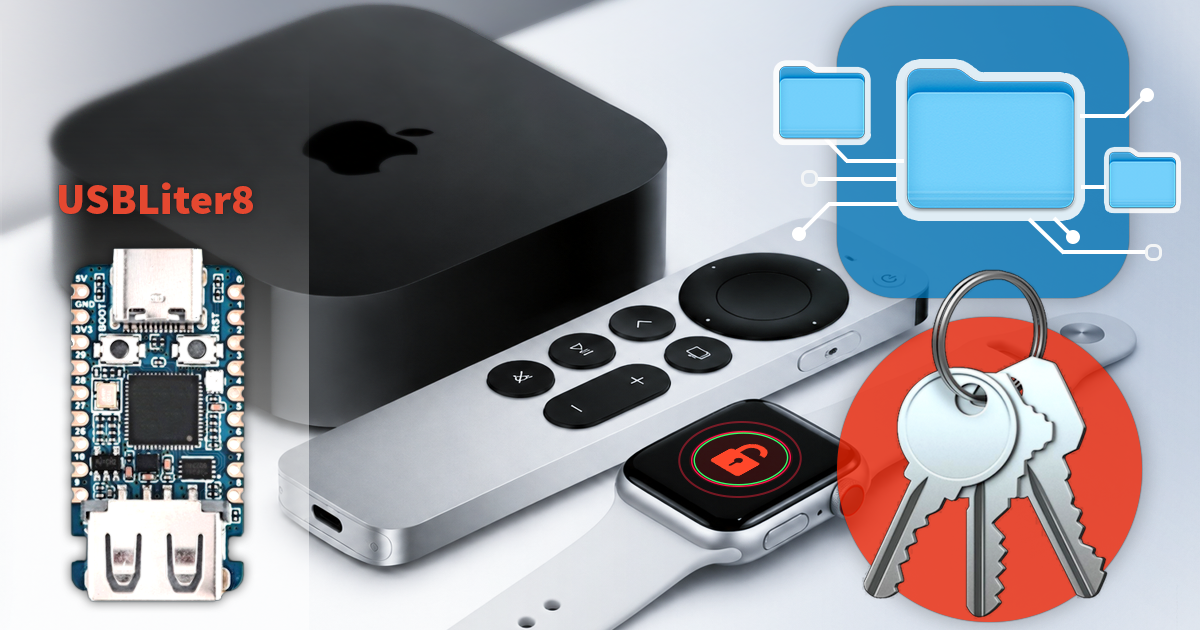
- iOS Forensic Toolkit 10.11: bootloader extraction for Apple Watch Series 4 and 5, Apple TV 4K 2nd Gen21 September, 2026
- Elcomsoft Quick Triage 2.2 adds a timeline, a plugin system, and file system snapshots3 September, 2026
- Elcomsoft System Recovery 8.38: Built-In BitLocker TPM Exploit Library, Browser Artefact Extraction, and Imaging Checksums26 August, 2026
- EIFT Firewall: a new free tool for controlled agent sideloading3 August, 2026
- Elcomsoft Phone Breaker 11.04: more reliable downloads from iCloud Drive30 July, 2026