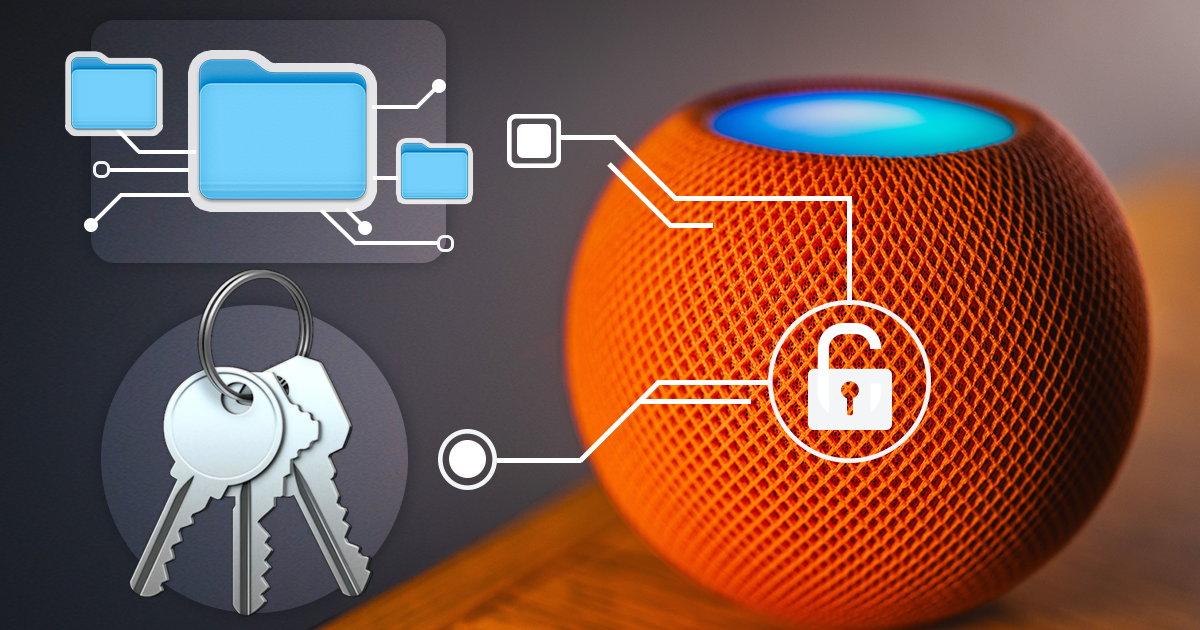
Low-Level Extraction of the HomePod mini
October 9th, 2026 by Vladimir Katalov
iOS Forensic Toolkit 10.12 extracts the full file system image and the decrypted keychain from yet another IoT device: Apple HomePod mini. This is the first file system extraction of the device; the method uses the usbliter8 bootloader exploit and a custom adapter. This guide covers the hardware, the extraction and analysis steps.

Low-Level Extraction the Apple TV 4K 2nd Generation
September 24th, 2026 by Vladimir Katalov
We’ve added bootloader-level low-level extraction support for the second-generation Apple TV 4K. While the older 4K model was compatible with the checkm8 exploit, the second-generation is based on a newer SoC that required a newer exploit, usbliter8. The exploit requires a custom adapter that uses a microcontroller board with our custom firmware.
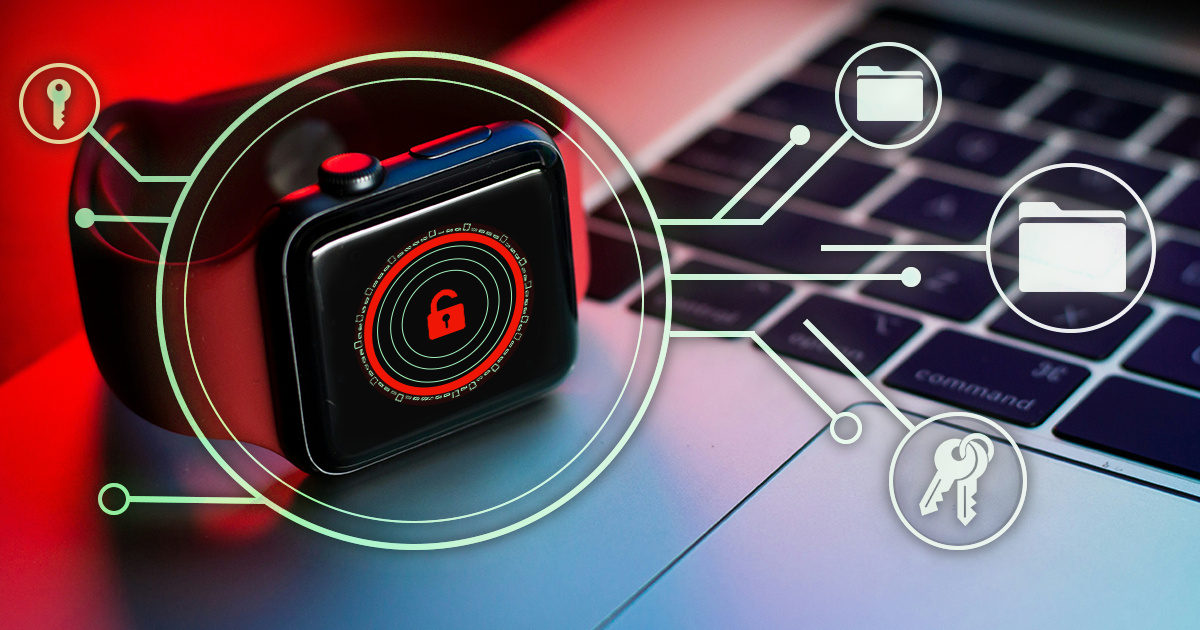
Low-Level Extraction of the Apple Watch S4/S5
September 23rd, 2026 by Vladimir Katalov
iOS Forensic Toolkit 10.11 adds bootloader-level extraction for the Apple Watch Series 4, the Apple Watch Series 5, and the second-generation Apple TV 4K. This article gives the full procedure for each of the two Apple Watch devices. The method uses usbliter8, an exploit of the SecureROM, the read-only boot code in the chip. checkm8 works on Apple chips up to the A11 generation, while usbliter8 works on the generation after it.
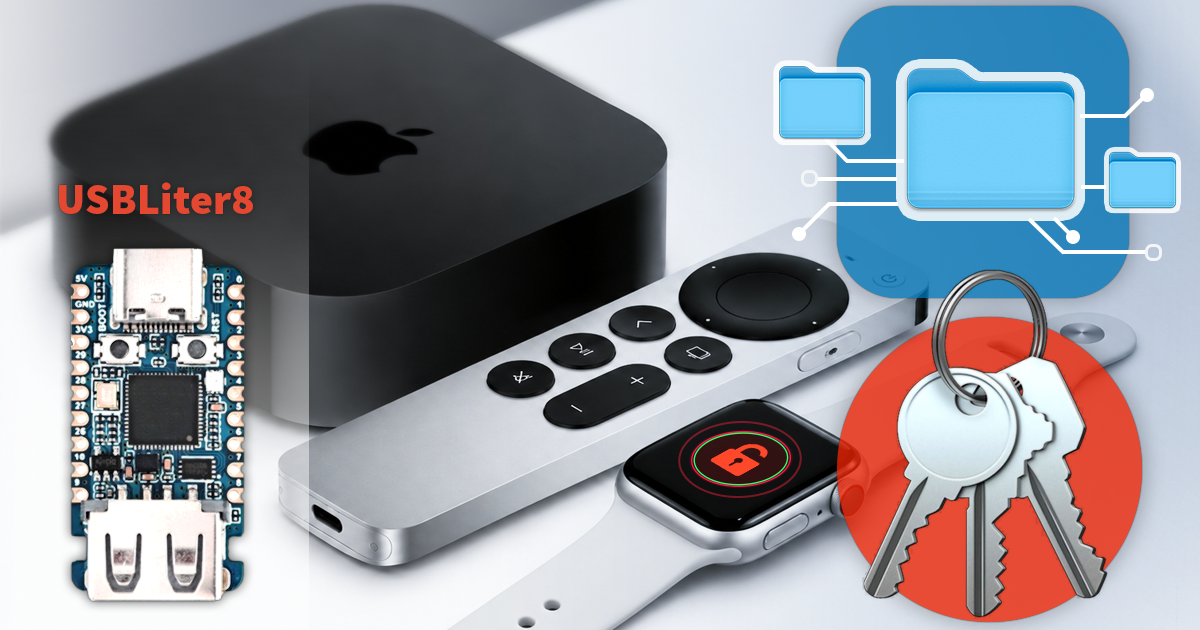
IoT Forensics on the Rise: Extracting More Apple Watch, Apple TV 4K Devices
September 22nd, 2026 by Oleg Afonin
Seven years after checkm8, iOS Forensic Toolkit 10.11 adds bootloader-level extraction for the Apple Watch Series 4 and Series 5, as well as the second-generation Apple TV 4K. In each case the result is the full file system image and the decrypted keychain. This is the first time that the low-level extraction boundary has moved past the A11 generation, and the reason is a SecureROM exploit called usbliter8, published in June 2026.
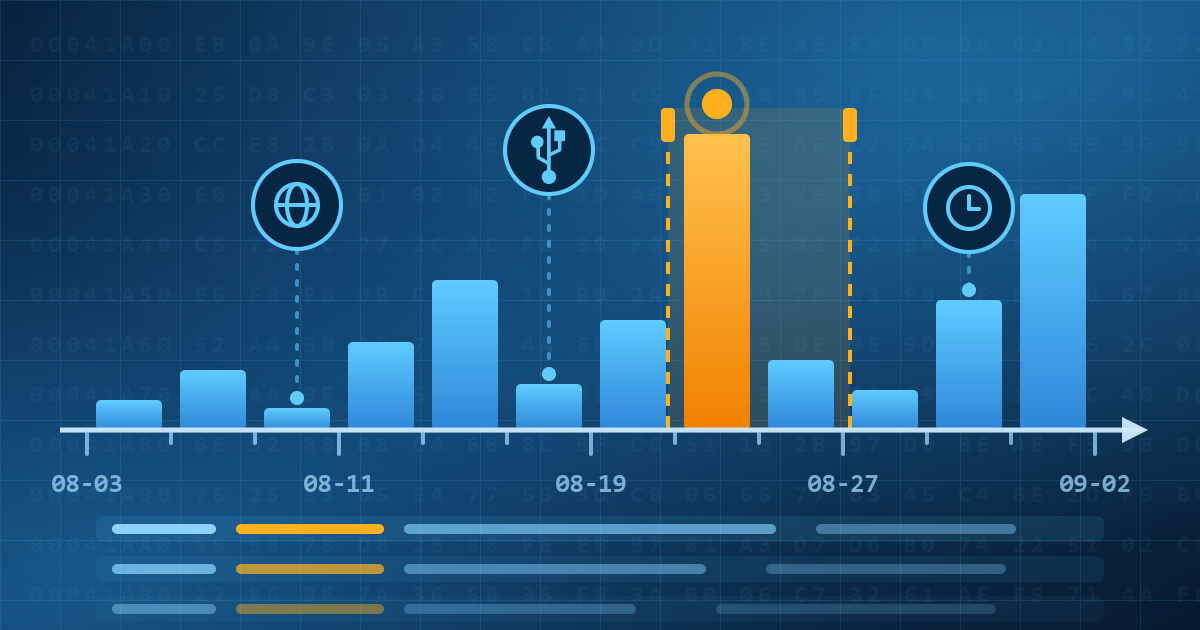
Elcomsoft Quick Triage 2.2: Timeline, file system snapshot, and a plugin engine
September 3rd, 2026 by Oleg Afonin
Elcomsoft Quick Triage 2.2 adds three things: a Timeline view that merges events from every timestamped artifact into one chronology, a file system snapshot that copies metadata without file contents, and a plugin architecture for artifact parsers. The release also brings MSA password attacks, OpenDocument parsing and recursive archive parsing in full-text search, and a list of fixes, but here we’ll mostly talk about the first three.

The True Meaning of Consent in ‘Consent Extractions’
August 24th, 2026 by Oleg Afonin
In law enforcement use a “consent extraction” means the examiner knows the passcode. It rarely signals owner agreement. That would be a vocabulary issue if the passcode remained the whole key. Since iOS 26.4 it does not. Stolen Device Protection is on by default, and away from familiar locations it requires Face ID or Touch ID before the “Trust This Computer” prompt. The passcode still unlocks the device and confirms Trust. SDP adds a second requirement on top. An extraction that once needed one credential now needs two, and legal systems treat the two credentials as different kinds of thing.
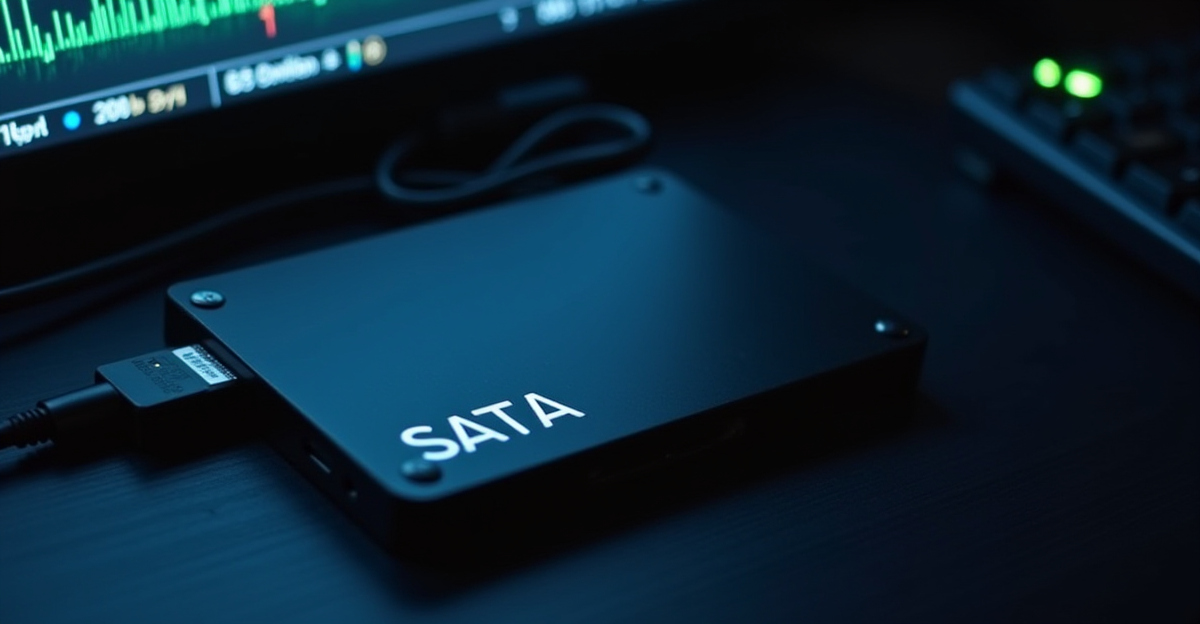
Write Blockers in Forensics: What Controls How You Use Them?
August 19th, 2026 by Oleg Afonin
In simple terms a write blocker sits between the original drive or device and your forensic workstation and stops any write commands from getting through, while letting you read every bit. Along with checksums, write blockers help maintaining chain of custody, ensuring that the imaging step is repeatable and verifiable. Hardware write blockers are physical devices you plug the source media into, software write blockers are installed on the acquisition system, and the former type is more robust than the latter. The point, however, is not speed or convenience, it is to make a forensic copy without changing the original, so the evidence you work from is the same as the evidence you seized. And here comes the question: which laws or standards mandate using a write blocker?
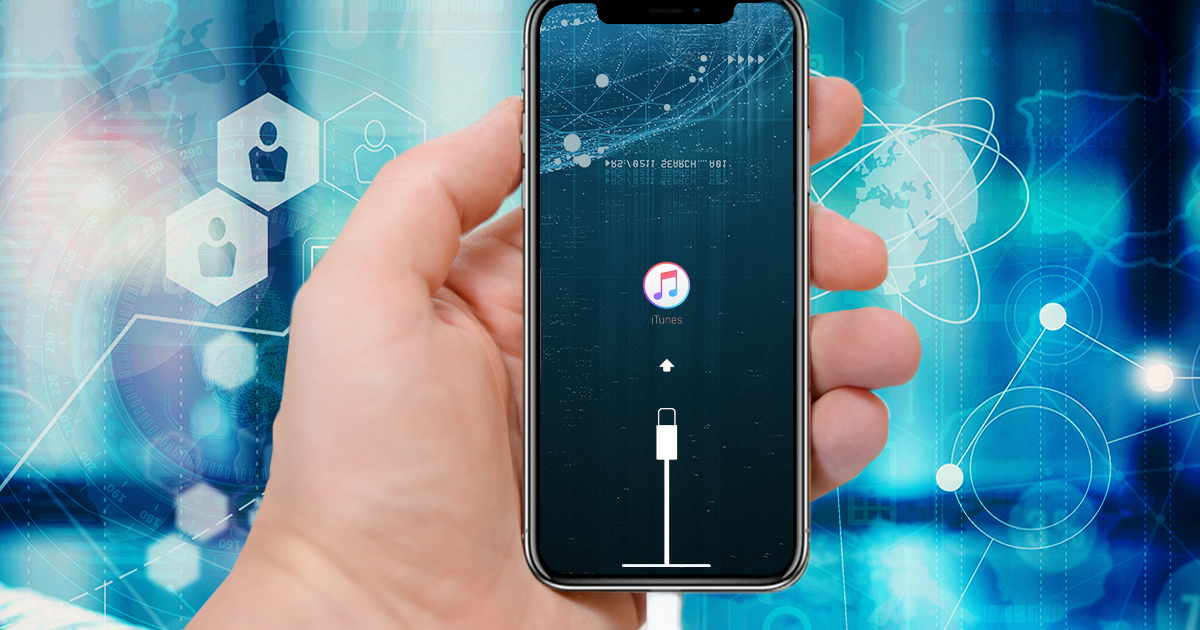
The iOS 27 Recovery Menu: What It Means for Forensics
August 5th, 2026 by Oleg Afonin
iOS 27 and iPadOS 27, currently in beta, add a bootable recovery menu to the iPhone and iPad. Hold the power button while the device starts up and you land in a small pre-boot environment with six options, one of which is the old “connect to computer” recovery mode. This is the same idea Apple silicon Macs have had for years, and it is overdue on the phone.
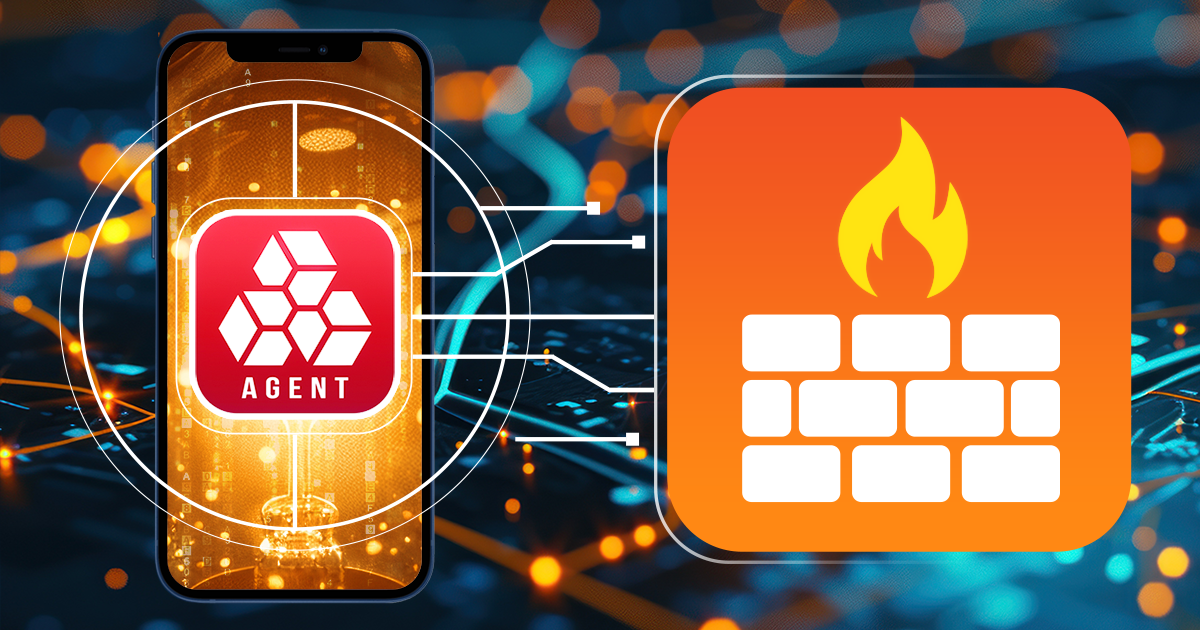
Special macOS Firewall: Safe Sideloading of the EIFT Extraction Agent
August 3rd, 2026 by Oleg Afonin
Elcomsoft iOS Forensic Toolkit begins low-level extraction by sideloading the extraction agent, and the agent will not run until the phone has completed one or two checks against Apple’s servers. Network requests, on a phone that is evidence. That single requirement is why we have shipped three different firewalls over the past three years. The newest one, EIFT Firewall, is a free macOS application and a direct replacement for the 2023 script.
When the iCloud Backup Is the Only Copy Left
July 31st, 2026 by Oleg Afonin
An iCloud backup is often the only surviving copy of data no longer on the device. Two ordinary situations show why, and neither involves anything clever on the suspect’s part. What could possibly go wrong, and how can you access the data?


