
The iOS 27 Recovery Menu: What It Means for Forensics
August 5th, 2026 by Oleg AfoniniOS 27 and iPadOS 27, currently in beta, add a bootable recovery menu to the iPhone and iPad. Hold the power button while the device starts up and you land in a small pre-boot environment with six options, one of which is the old “connect to computer” recovery mode. This is the same idea Apple silicon Macs have had for years, and it is overdue on the phone.
How to recover deleted data from your iPhone
July 28th, 2026 by Oleg AfoninYou accidentally deleted an important file from your iPhone, panicked, and hit the web looking for a way to get it back. Instantly, you’re hit with a barrage of search results pushing “iPhone data recovery” software. If you look closely, you’ll notice almost all of these apps are low-quality rebrands or slightly tweaked forks of just a handful of identical tools.
Two-factor authentication is the least glamorous security feature, and probably the most important one. A password is “something you know”, which really means “something that can be phished, reused, leaked, or guessed”. The second factor is “something you have”, and, while it can still be phished, it makes stolen passwords much less of a catastrophe they used to be. Everything else in account security is built on top of that. If the second factor is not there, or if it does not cover the data that actually matters, the rest is decoration.
Stated plainly: iOS Forensic Toolkit can now get past Stolen Device Protection. There is a catch, and it belongs up front: this is not a magic unlock, and anyone selling it as one is selling something. What we have built is a way to install the extraction agent without ever pairing the iPhone to the workstation over a USB port. Because the most disruptive thing SDP does to a forensic workflow is place Face ID or Touch ID in front of that pairing step, bypassing the pairing step bypasses the gate. You still need the device passcode, a paid Apple Developer account, and a device you are authorized to examine. With those in hand, SDP is no longer the wall it was a month ago.

A new update to iOS Forensic Toolkit is out. The headline feature is an alternative installation method for the extraction agent – that is, deploying it onto an iPhone while bypassing the mandatory pairing requirement. The agent can now be delivered across the network, which removes a number of limitations that came with the usual cable-based installation. One requirement up front: the device must already be unlocked – in other words, the passcode must be known. This method does not work with a fully locked iPhone.
If you have an Apple device running iOS 18 or iOS 26 and gone looking for the old Get Verification Code option under Settings → [user name] → Sign-In & Security, you’ve probably noticed it’s no longer there. A quick search turns up forum threads, support comments, and even GitHub issues all reaching the same conclusion: Apple removed it. Some posts go further and call it “deprecated” or “Apple’s middle finger to users of older devices.” That conclusion is wrong. The option still exists in iOS 26. It just doesn’t show up the way it used to.
Perfect Acquisition: The True Physical Acquisition
February 16th, 2026 by Vladimir KatalovThe release of the checkm8 exploit was a breakthrough for mobile forensics, finally granting investigators verifiable access to the file systems of various Apple devices. This accessibility established the current “gold standard” for extraction: using the bootloader exploit to access the file system and dump it into a simple tar archive. While convenient, a tar archive is merely a logical copy, not a physical one. It may fail to capture the device’s true state, missing certain low-level nuances. Truth be told, these nuances are rarely relevant to real investigations, but why settle for less when a better method is available? More importantly, this approach avoids the “teething problems” of traditional bootloader extraction – such as the mishandling of large sparse files – that continue to plague even the largest forensic vendors.
Which Versions of iOS Are Supported, and Why “It Depends” Is The Best Answer
November 12th, 2025 by Oleg AfoninOur customers often ask us which exact iOS versions are supported by iOS Forensic Toolkit. There’s always a temptation to answer “all of them,” and while that answer is technically correct, there are a lot of caveats. The devil is in the details, and the real answer depends on what you mean by “support”.
The latest update to iOS Forensic Toolkit brought bootloader-level extraction to a bunch of old iPads, Apple TVs, and even the first-gen HomePod running OS versions 17 and 18. This enabled full file system and keychain extraction on a those older Apple devices that can still run these versions of the OS.

Evidence Preservation: Why iPhone Data Can Expire
October 9th, 2025 by Elcomsoft R&DWhen an iPhone is seized and later re-examined, forensic teams sometimes find that data present in an earlier extraction are missing from a subsequent backup or filesystem image. Why exactly does that happen, what kinds of data are affected, how long do they usually live, and what can you do to preserve volatile and semi-volatile artifacts? Let’s try to find out.
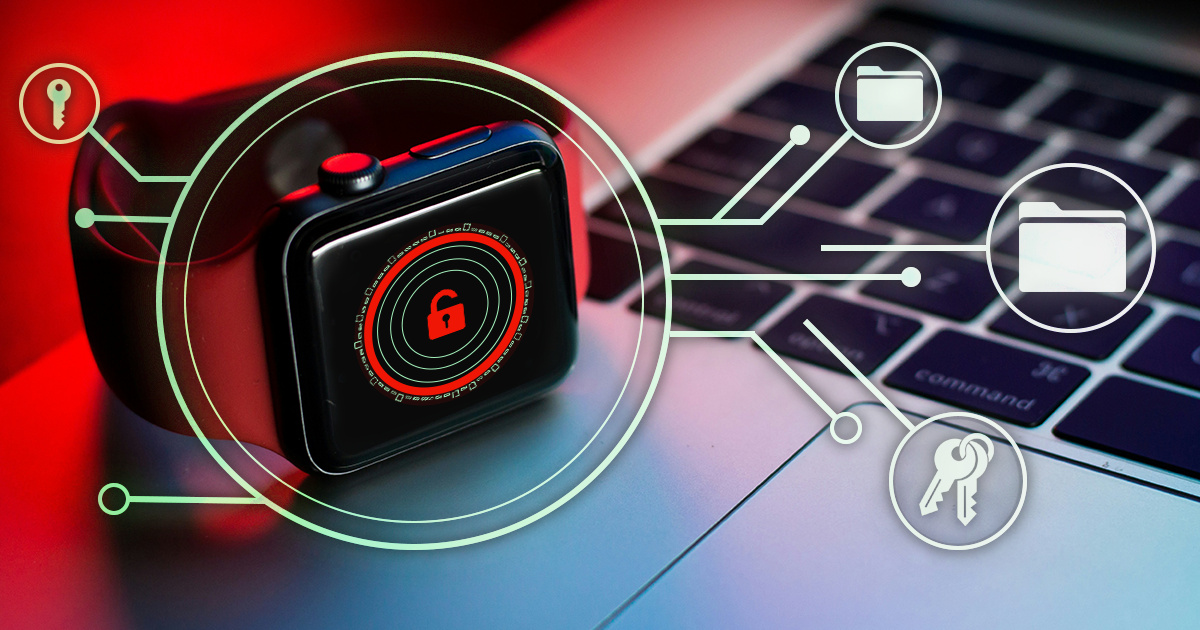
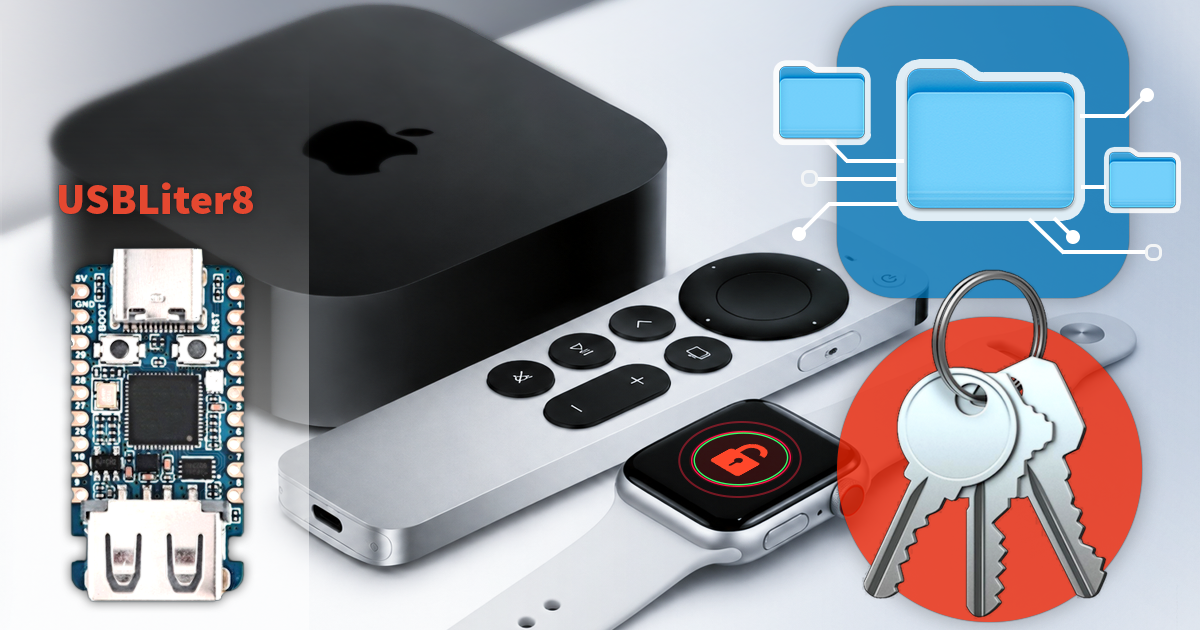
- iOS Forensic Toolkit 10.11: bootloader extraction for Apple Watch Series 4 and 5, Apple TV 4K 2nd Gen21 September, 2026
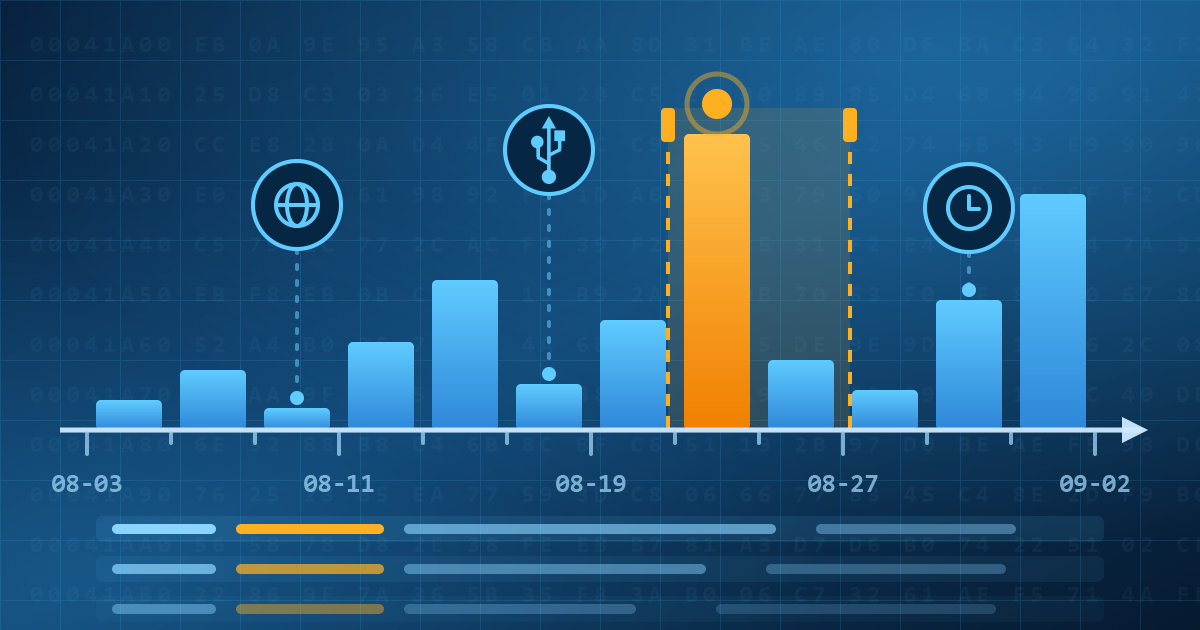
- Elcomsoft Quick Triage 2.2 adds a timeline, a plugin system, and file system snapshots3 September, 2026
- Elcomsoft System Recovery 8.38: Built-In BitLocker TPM Exploit Library, Browser Artefact Extraction, and Imaging Checksums26 August, 2026
- EIFT Firewall: a new free tool for controlled agent sideloading3 August, 2026
- Elcomsoft Phone Breaker 11.04: more reliable downloads from iCloud Drive30 July, 2026