
When the iCloud Backup Is the Only Copy Left
July 31st, 2026 by Oleg AfoninAn iCloud backup is often the only surviving copy of data no longer on the device. Two ordinary situations show why, and neither involves anything clever on the suspect’s part. What could possibly go wrong, and how can you access the data?
How to recover deleted data from your iPhone
July 28th, 2026 by Oleg AfoninYou accidentally deleted an important file from your iPhone, panicked, and hit the web looking for a way to get it back. Instantly, you’re hit with a barrage of search results pushing “iPhone data recovery” software. If you look closely, you’ll notice almost all of these apps are low-quality rebrands or slightly tweaked forks of just a handful of identical tools.
Two-factor authentication is the least glamorous security feature, and probably the most important one. A password is “something you know”, which really means “something that can be phished, reused, leaked, or guessed”. The second factor is “something you have”, and, while it can still be phished, it makes stolen passwords much less of a catastrophe they used to be. Everything else in account security is built on top of that. If the second factor is not there, or if it does not cover the data that actually matters, the rest is decoration.
Downloading iOS 26 iCloud Backups
June 18th, 2026 by Oleg AfoninElcomsoft Phone Breaker 11.2 adds the ability to download iCloud backups created on devices running iOS and iPadOS 26 and, by extension, iOS/iPadOS 27 beta. With this release, Elcomsoft Phone Breaker becomes the first and only third-party tool capable of pulling these backups from Apple’s cloud. That might read like a routine compatibility update. It isn’t. In iOS 26, Apple reworked its iCloud backup mechanism from the ground up, breaking every third-party tool that relied on the previous scheme. Restoring access meant rebuilding a large part of our cloud extraction pipeline. Below is what changed, what we did about it, and where the current build still has rough edges.
Forensic Implications of Apple Stolen Device Protection
June 1st, 2026 by Oleg AfoninIf you extract data from iPhones for a living, Stolen Device Protection is the change you can no longer afford to ignore. It does something deceptively simple: it puts Face ID or Touch ID in front of the “Trust This Computer” prompt. The practical result is that an examiner who knows the device passcode still cannot pair an unfamiliar iPhone to a forensic workstation. That is the most disruptive change Apple has made to iPhone pairing behavior in roughly a decade, and as of spring 2026 it is switched on out of the box.
Downloading iPhone and iPad backups from Apple iCloud
May 26th, 2026 by Oleg AfoninPulling a backup out of iCloud is one of the more technically demanding jobs in cloud forensics. An iCloud backup is not a single, ready-to-download file; instead, it is assembled from a large number of separate fragments that have to be collected and stitched back together into a coherent backup. Recent changes to Apple’s communication protocols broke things for everyone except Apple themselves, meaning that we had to rework the underlying extraction logic. This is documented in Elcomsoft Phone Breaker 11 Restores iCloud Access.
Elcomsoft Phone Breaker 11 Restores iCloud Access
April 30th, 2026 by Oleg AfoninExtracting cloud data becomes increasingly valuable – and increasingly complex at the same time. In scenarios where a target device is physically unavailable cloud extraction is often the only real way to access evidence. This is particularly relevant when devices are secured by an unknown passcode or locked under Apple’s Stolen Device Protection framework without available biometric authentication, rendering traditional extraction techniques ineffective.
Which Versions of iOS Are Supported, and Why “It Depends” Is The Best Answer
November 12th, 2025 by Oleg AfoninOur customers often ask us which exact iOS versions are supported by iOS Forensic Toolkit. There’s always a temptation to answer “all of them,” and while that answer is technically correct, there are a lot of caveats. The devil is in the details, and the real answer depends on what you mean by “support”.

Evidence Preservation: Why iPhone Data Can Expire
October 9th, 2025 by Elcomsoft R&DWhen an iPhone is seized and later re-examined, forensic teams sometimes find that data present in an earlier extraction are missing from a subsequent backup or filesystem image. Why exactly does that happen, what kinds of data are affected, how long do they usually live, and what can you do to preserve volatile and semi-volatile artifacts? Let’s try to find out.
A forensic examiner receives a locked smartphone – a recent-model iPhone, encrypted and secured with an unknown passcode. No tool works, checkm8 long obsolete, USB port locked. Is this a dead end? Not quite. iPhones don’t operate in isolation. They’re part of a digital ecosystem, and ecosystems often have weak points. This article explores how gaining access through a weak link can compromise even the most secure smartphone.
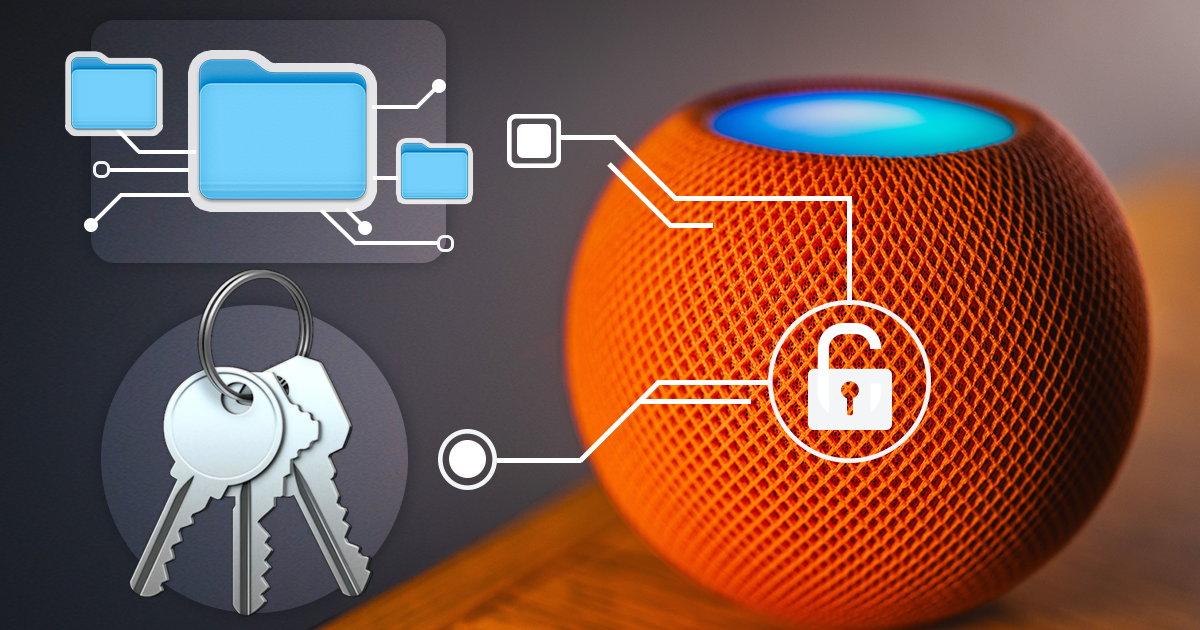

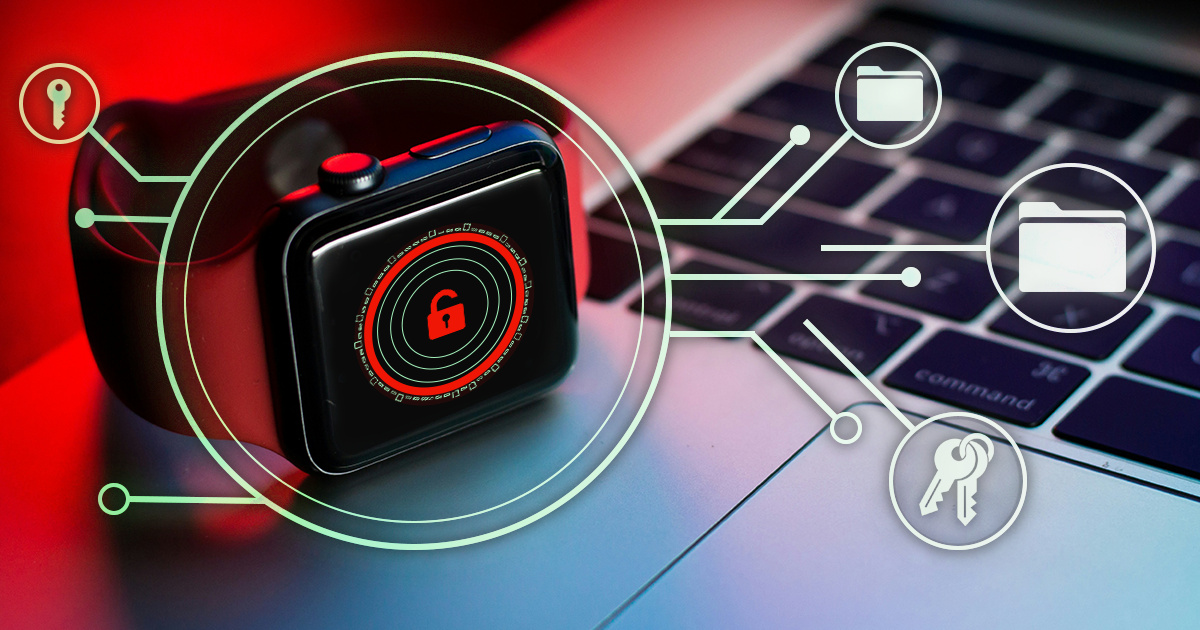
- iOS Forensic Toolkit 10.12: bootloader extraction for the Apple HomePod mini9 October, 2026
- Elcomsoft Phone Breaker 11.05: iCloud extraction support for iOS 27 and the iPhone 18 range6 October, 2026
- iOS Forensic Toolkit 10.11: bootloader extraction for Apple Watch Series 4 and 5, Apple TV 4K 2nd Gen21 September, 2026
- Elcomsoft Quick Triage 2.2 adds a timeline, a plugin system, and file system snapshots3 September, 2026
- Elcomsoft System Recovery 8.38: Built-In BitLocker TPM Exploit Library, Browser Artefact Extraction, and Imaging Checksums26 August, 2026