
A new update to iOS Forensic Toolkit is out. The headline feature is an alternative installation method for the extraction agent – that is, deploying it onto an iPhone while bypassing the mandatory pairing requirement. The agent can now be delivered across the network, which removes a number of limitations that came with the usual cable-based installation. One requirement up front: the device must already be unlocked – in other words, the passcode must be known. This method does not work with a fully locked iPhone.

Downloading iOS 26 iCloud Backups
June 18th, 2026 by Oleg AfoninElcomsoft Phone Breaker 11.2 adds the ability to download iCloud backups created on devices running iOS and iPadOS 26 and, by extension, iOS/iPadOS 27 beta. With this release, Elcomsoft Phone Breaker becomes the first and only third-party tool capable of pulling these backups from Apple’s cloud. That might read like a routine compatibility update. It isn’t. In iOS 26, Apple reworked its iCloud backup mechanism from the ground up, breaking every third-party tool that relied on the previous scheme. Restoring access meant rebuilding a large part of our cloud extraction pipeline. Below is what changed, what we did about it, and where the current build still has rough edges.
Downloading iPhone and iPad backups from Apple iCloud
May 26th, 2026 by Oleg AfoninPulling a backup out of iCloud is one of the more technically demanding jobs in cloud forensics. An iCloud backup is not a single, ready-to-download file; instead, it is assembled from a large number of separate fragments that have to be collected and stitched back together into a coherent backup. Recent changes to Apple’s communication protocols broke things for everyone except Apple themselves, meaning that we had to rework the underlying extraction logic. This is documented in Elcomsoft Phone Breaker 11 Restores iCloud Access.
Elcomsoft Phone Breaker 11 Restores iCloud Access
April 30th, 2026 by Oleg AfoninExtracting cloud data becomes increasingly valuable – and increasingly complex at the same time. In scenarios where a target device is physically unavailable cloud extraction is often the only real way to access evidence. This is particularly relevant when devices are secured by an unknown passcode or locked under Apple’s Stolen Device Protection framework without available biometric authentication, rendering traditional extraction techniques ineffective.
Low-Level Extraction for iOS 17 and 18
April 14th, 2026 by Oleg AfoninWe’ve just updated iOS Forensic Toolkit to version 10.0, significantly expanding its low-level extraction capabilities for both the extraction agent and bootloader-based methods. Previously, agent-based extraction was capped at iOS 16.6.1. This release finally covers the remainder of the iOS 16 branch, and adds support for the entire iOS 17 branch as well as iOS 18 through 18.7.1. We have also expanded checkm8 support to cover all the latest OS updates pushed by Apple on devices susceptible to the exploit. Finally, we improved extended logical acquisition support for iOS/iPadOS 26, now pulling significantly more shared data than before.

Perfect Acquisition With Passcode Unlock for A8/A8X Devices
February 11th, 2026 by Elcomsoft R&DPerfect Acquisition is the most reliable method to acquire data from an iOS device. It is completely forensically sound – it doesn’t modify a single bit of the filesystem. When supported, this method should always be used over alternatives. This guide outlines the entire process, from acquiring the data dump to decrypting and mounting it for analysis.
Introducing Elcomsoft Quick Triage
December 30th, 2025 by Oleg AfoninWe’re expanding our product line with a new tool: Elcomsoft Quick Triage. With this release, we are expanding into an area we had not previously covered – digital forensic triage. EQT is designed to address a very specific need that arises at the earliest stages of an investigation, when time is limited and quick decisions matter. The new tool is not intended to replace full-featured forensic platforms or in-depth analysis. Instead, it focuses on a different phase of the workflow: fast identification, collection, and review of the most relevant evidence before committing resources to a complete examination.
Big news is coming – and this time, it’s from the living room. Our team has successfully extracted a complete file system image from an Apple TV 4K running tvOS 26. This marks the first-ever low-level extraction of Apple’s 26th-generation operating systems, including iOS 26, iPadOS 26, and tvOS 26. No one – not even the major forensic players! – has been able to achieve this before.
The latest update to iOS Forensic Toolkit brought bootloader-level extraction to a bunch of old iPads, Apple TVs, and even the first-gen HomePod running OS versions 17 and 18. This enabled full file system and keychain extraction on a those older Apple devices that can still run these versions of the OS.
Extracting Apple Unified Logs
October 13th, 2025 by Elcomsoft R&DIn our previous post, Extracting and Analyzing Apple sysdiagnose Logs, we explained the difference between sysdiagnose logs and Apple Unified Logs. Today we’ll show how the latest build of iOS Forensic Toolkit can pull Unified Logs directly from an iPhone or iPad during advanced logical extraction.
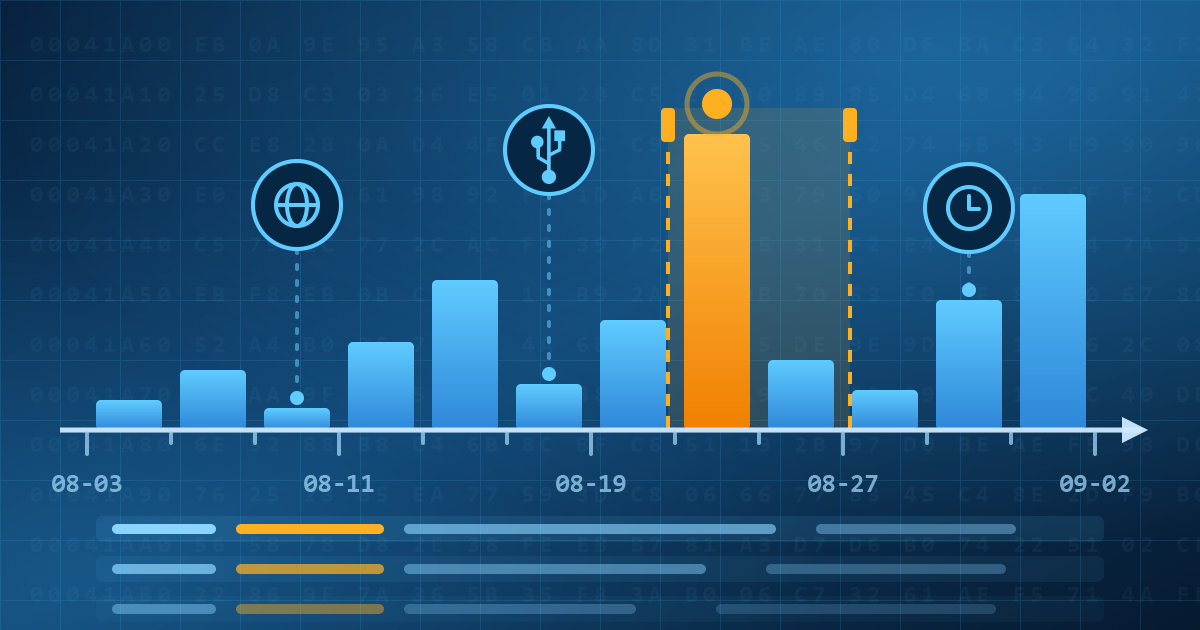

- Elcomsoft Quick Triage 2.2 adds a timeline, a plugin system, and file system snapshots3 September, 2026
- Elcomsoft System Recovery 8.38: Built-In BitLocker TPM Exploit Library, Browser Artefact Extraction, and Imaging Checksums26 August, 2026
- EIFT Firewall: a new free tool for controlled agent sideloading3 August, 2026
- Elcomsoft Phone Breaker 11.04: more reliable downloads from iCloud Drive30 July, 2026
- Elcomsoft Phone Breaker 11.03: universal binary for Macs, SMS two-factor authentication restored16 July, 2026