
Stated plainly: iOS Forensic Toolkit can now get past Stolen Device Protection. There is a catch, and it belongs up front: this is not a magic unlock, and anyone selling it as one is selling something. What we have built is a way to install the extraction agent without ever pairing the iPhone to the workstation over a USB port. Because the most disruptive thing SDP does to a forensic workflow is place Face ID or Touch ID in front of that pairing step, bypassing the pairing step bypasses the gate. You still need the device passcode, a paid Apple Developer account, and a device you are authorized to examine. With those in hand, SDP is no longer the wall it was a month ago.

A new update to iOS Forensic Toolkit is out. The headline feature is an alternative installation method for the extraction agent – that is, deploying it onto an iPhone while bypassing the mandatory pairing requirement. The agent can now be delivered across the network, which removes a number of limitations that came with the usual cable-based installation. One requirement up front: the device must already be unlocked – in other words, the passcode must be known. This method does not work with a fully locked iPhone.
If you have an Apple device running iOS 18 or iOS 26 and gone looking for the old Get Verification Code option under Settings → [user name] → Sign-In & Security, you’ve probably noticed it’s no longer there. A quick search turns up forum threads, support comments, and even GitHub issues all reaching the same conclusion: Apple removed it. Some posts go further and call it “deprecated” or “Apple’s middle finger to users of older devices.” That conclusion is wrong. The option still exists in iOS 26. It just doesn’t show up the way it used to.
Downloading iOS 26 iCloud Backups
June 18th, 2026 by Oleg AfoninElcomsoft Phone Breaker 11.2 adds the ability to download iCloud backups created on devices running iOS and iPadOS 26 and, by extension, iOS/iPadOS 27 beta. With this release, Elcomsoft Phone Breaker becomes the first and only third-party tool capable of pulling these backups from Apple’s cloud. That might read like a routine compatibility update. It isn’t. In iOS 26, Apple reworked its iCloud backup mechanism from the ground up, breaking every third-party tool that relied on the previous scheme. Restoring access meant rebuilding a large part of our cloud extraction pipeline. Below is what changed, what we did about it, and where the current build still has rough edges.
Forensic Implications of Apple Stolen Device Protection
June 1st, 2026 by Oleg AfoninIf you extract data from iPhones for a living, Stolen Device Protection is the change you can no longer afford to ignore. It does something deceptively simple: it puts Face ID or Touch ID in front of the “Trust This Computer” prompt. The practical result is that an examiner who knows the device passcode still cannot pair an unfamiliar iPhone to a forensic workstation. That is the most disruptive change Apple has made to iPhone pairing behavior in roughly a decade, and as of spring 2026 it is switched on out of the box.
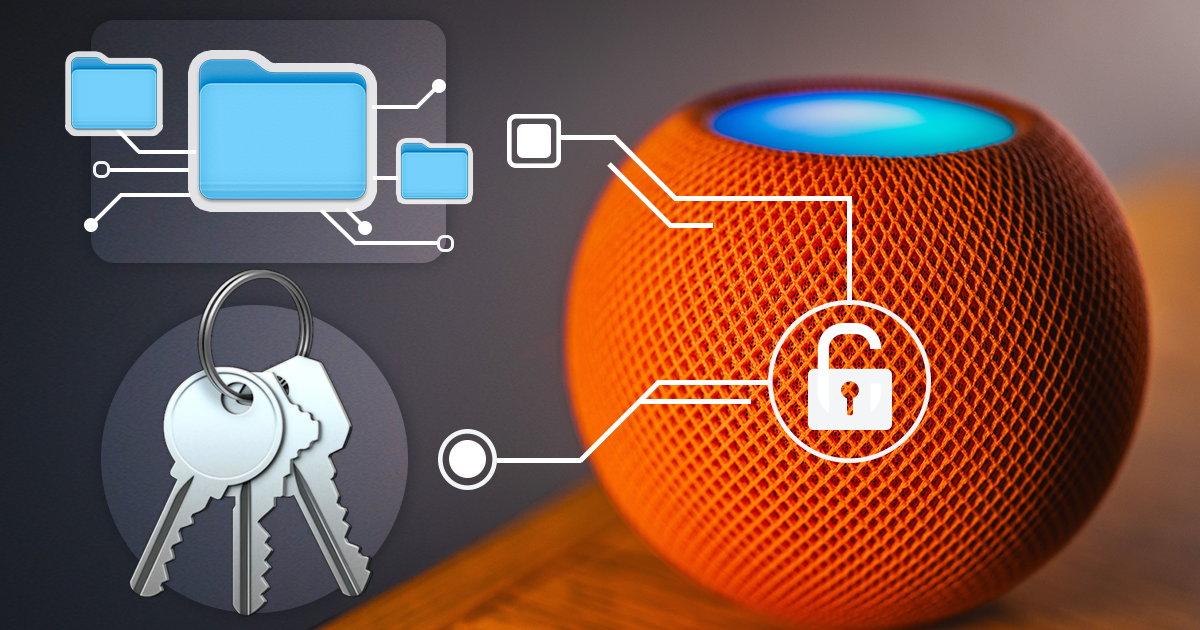

- iOS Forensic Toolkit 10.12: bootloader extraction for the Apple HomePod mini9 October, 2026
- Elcomsoft Phone Breaker 11.05: iCloud extraction support for iOS 27 and the iPhone 18 range6 October, 2026
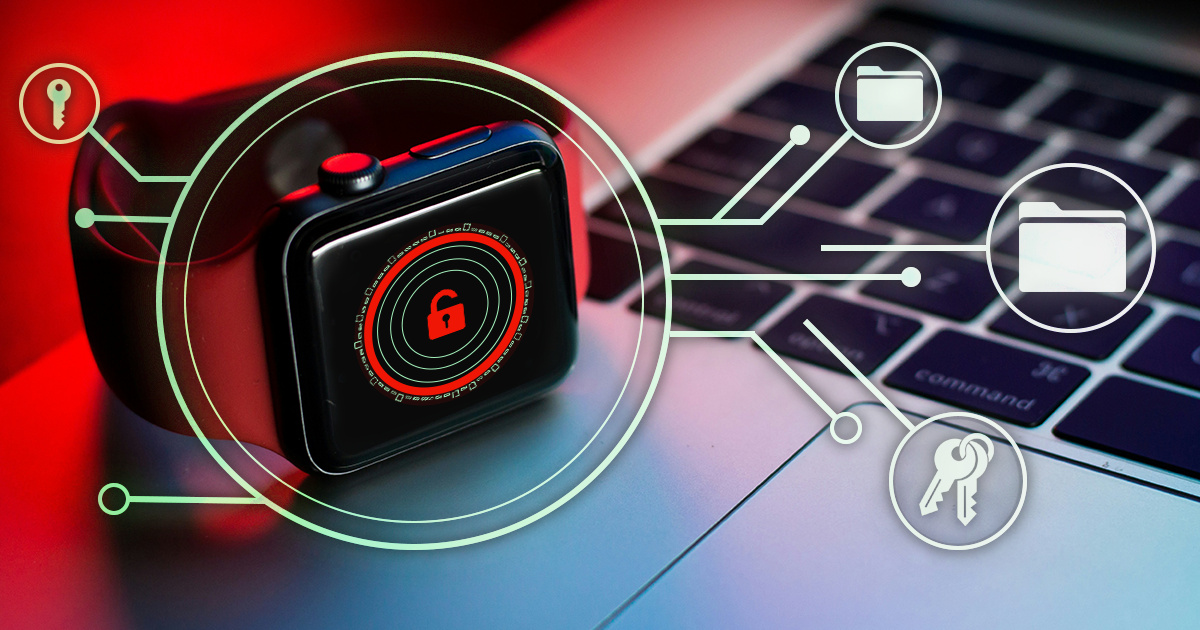
- iOS Forensic Toolkit 10.11: bootloader extraction for Apple Watch Series 4 and 5, Apple TV 4K 2nd Gen21 September, 2026
- Elcomsoft Quick Triage 2.2 adds a timeline, a plugin system, and file system snapshots3 September, 2026
- Elcomsoft System Recovery 8.38: Built-In BitLocker TPM Exploit Library, Browser Artefact Extraction, and Imaging Checksums26 August, 2026