
The Geography of Coercion: a Study of Compelled Decryption Laws
March 31st, 2026 by Oleg AfoninOn March 23, 2026, the Hong Kong government amended the rules of its National Security Law, making it a criminal offense to refuse police passwords or decryption assistance for personal devices. When I read the security alert, my initial plan was simply to compile a list of jurisdictions with similar laws. That catalog quickly outgrew its premise. Tracking these statutes revealed a fractured global approach to digital privacy and state power, resulting in a comparative study too broad for a single article. I decided to split the research into two parts. This first installment examines the countries that criminalize digital silence.
Arrested by AI
March 27th, 2026 by Oleg AfoninIn July 2025, a tactical team of United States Marshals descended on the Tennessee home of Angela Lipps, arresting the fifty-year-old grandmother at gunpoint while she watched her young grandchildren. Her apprehension was not the culmination of traditional detective work, but the result of authorities placing undue confidence in an AI-based facial recognition system. An algorithm had linked a photograph of her face to a counterfeit military identification card used in a sophisticated bank fraud operation over 1,200 miles away in Fargo, North Dakota.
Distributed Password Recovery Goes 64-bit: Ready for RTX 5090
March 26th, 2026 by Oleg AfoninWe have just released a major update to Elcomsoft Distributed Password Recovery. While the release notes might simply say “migrated to 64-bit,” the reality under the hood is far more complex and significant. This is not a cosmetic update or a simple recompile; it is a fundamental architectural shift necessitated by the evolution of GPU hardware. Put simply: if you want to use the latest NVIDIA RTX 50-series Blackwell GPUs for password recovery, you can no longer use 32-bit code.
Looks Can Lie: Is That Really an NVMe Drive?
March 17th, 2026 by Oleg AfoninMany storage devices and adapter boards look alike. When holding a module with a connector that looks suspiciously like the M.2, how do you know exactly what you are dealing with? Is that M.2 board a SATA drive, a fast NVMe device or a Wi-Fi/Bluetooth combo? Will a drive removed from an Apple computer work in a simple mechanical adapter, or will it require the original Apple device to access? A physical connector does not guarantee the underlying technology.
Android Pre-Installed Apps: What Could Possibly Go Wrong?
March 13th, 2026 by Oleg AfoninPicture this: you just dropped $1,300 on a brand-new, top-of-the-line Android flagship. You unbox it, peel off the plastic film, boot it up, and get ready for the daily grind. But before you can even sync your contacts, you notice the app drawer is already cluttered with unsolicited apps. If you think this is a problem exclusive to fifty-dollar burner phones bought at a gas station or cheap Chinese handsets obtained from an online shopping site, think again. We’ve seen this corporate hoarding disease infect even the highest tiers. Just look at the new Samsung Galaxy S26 Ultra; a clean setup of a 512GB model immediately sacrifices over 40GB to system files and third-party apps you never asked for. To be clear, you get zero say in the matter – they are pre-installed without a single prompt. You pay top dollar for premium hardware, and the manufacturer still treats your device like a subsidized billboard.
The C:\User Data in Windows Forensics
March 12th, 2026 by Oleg AfoninThis article concludes our series on Windows forensic artefacts and the role they play in real-world investigations. Over the past several weeks, we looked at evidence sources that help investigators understand activity at the system level, from Windows Event Logs and the Windows Registry to file system traces stored under C:\Windows and C:\ProgramData. Those artefacts are indispensable when reconstructing the broader picture: system startup and shutdown, service activity, software installation, persistence mechanisms, and signs of compromise affecting the machine as a whole. Yet system-wide telemetry has an obvious limitation. It can tell us that something happened, but not always who was behind it. This is where the focus shifts from the operating system to the individual user.
AI Agents and Deep Research: A Friday Primer
March 6th, 2026 by Oleg AfoninSpoiler: you are probably already using AI agents, even if marketing hasn’t yelled at you about it yet. Forget the dark ages of 2023 when large language models (LLMs) just confidently hallucinated fake server logs and nonexistent IP addresses. Today’s AI can spin up a virtual environment, navigate web pages, scrape data, and logically process what it finds. Let’s cut through the noise and talk about what “agents” actually are, how “Deep Research” operates, and how to spin up your own pocket investigator that doesn’t come with corporate safety bumpers.
Windows File System Artefacts Under C:\ProgramData
March 5th, 2026 by Oleg AfoninThis guide continues our ongoing series exploring Windows digital artefacts and their practical value during an investigation. Here, we turn our attention to the specific set of files located under the root path %ProgramData% (commonly C:\ProgramData\) and its subfolders. Unlike standard user profile folders, this directory typically houses system-wide data, shared application configurations, and background service caches that apply to the system as a whole. For investigators, this path offers a system-level perspective. Analyzing it can uncover historical activity, revealing events from background file transfers and software installations to Wi-Fi connections and security tool detections.
Investigating Windows File System Artifacts Under C:\Windows
March 3rd, 2026 by Oleg AfoninThis guide continues our ongoing series exploring digital artifacts found on Windows computers and their practical meaning during an investigation. With each new topic, the puzzle becomes more complex because these traces rarely exist in isolation. Modern forensic best practices rely heavily on cross-checking different types of artifacts against one another. By connecting these dots, investigators do more than just establish isolated facts – they build a solid, reliable conclusion that can stand up in court.
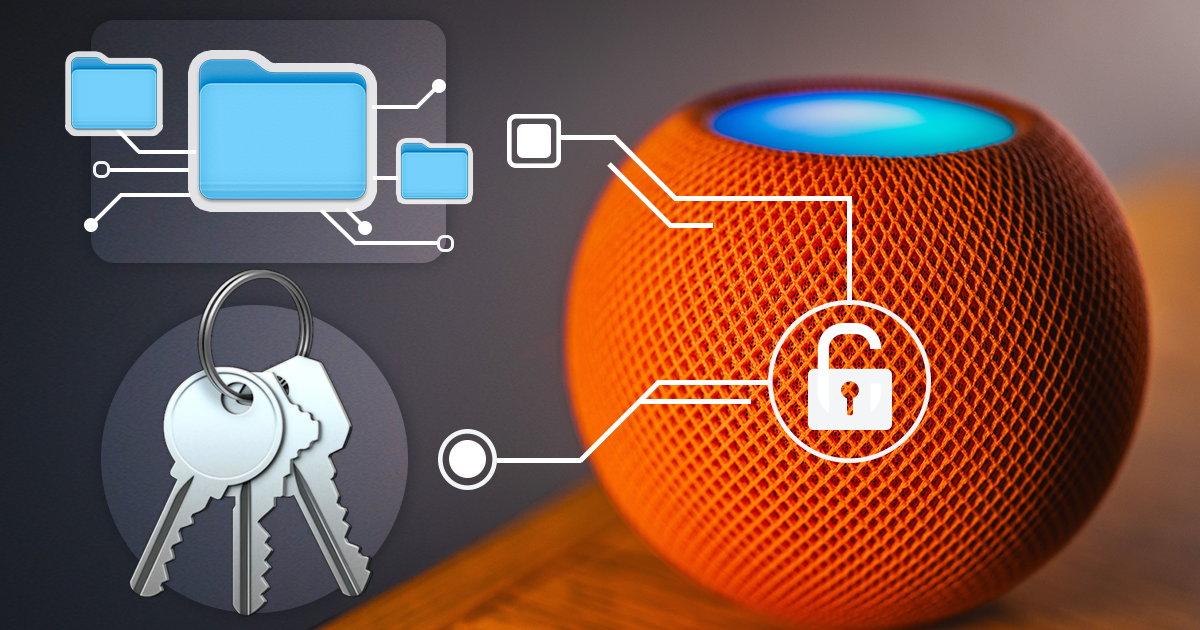

- iOS Forensic Toolkit 10.12: bootloader extraction for the Apple HomePod mini9 October, 2026
- Elcomsoft Phone Breaker 11.05: iCloud extraction support for iOS 27 and the iPhone 18 range6 October, 2026
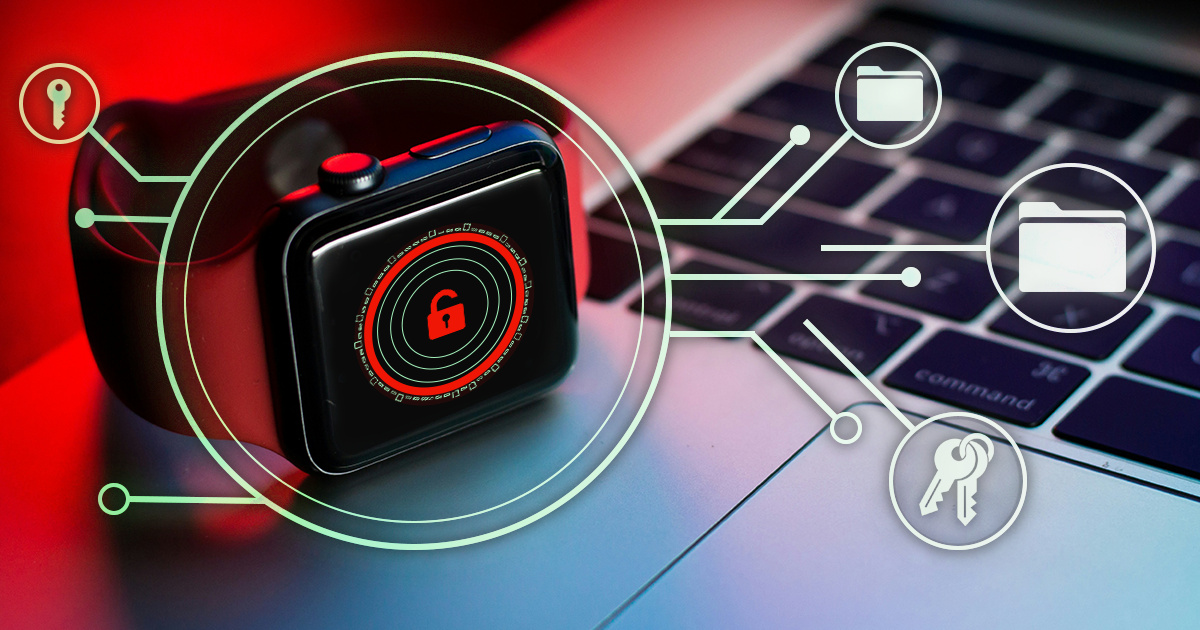
- iOS Forensic Toolkit 10.11: bootloader extraction for Apple Watch Series 4 and 5, Apple TV 4K 2nd Gen21 September, 2026
- Elcomsoft Quick Triage 2.2 adds a timeline, a plugin system, and file system snapshots3 September, 2026
- Elcomsoft System Recovery 8.38: Built-In BitLocker TPM Exploit Library, Browser Artefact Extraction, and Imaging Checksums26 August, 2026