
Low-Level Extraction of the Apple Watch S4/S5
September 23rd, 2026 by Vladimir KatalovCategory: «Elcomsoft News», «Mobile», «Tips & Tricks»
iOS Forensic Toolkit 10.11 adds bootloader-level extraction for the Apple Watch Series 4, the Apple Watch Series 5, and the second-generation Apple TV 4K. This article gives the full procedure for each of the two Apple Watch devices. The method uses usbliter8, an exploit of the SecureROM, the read-only boot code in the chip. checkm8 works on Apple chips up to the A11 generation, while usbliter8 works on the generation after it.
The extraction procedure is forensically sound: the toolkit does all the work in the RAM, and never starts the operating system of the device. The toolkit never alters the content of the data partition, so if you do the extraction again, you get the same checksum.
usbliter8 requires a microcontroller board to apply, and you will need our specific firmware to flash the board. This is a one-time procedure; after flashing the board, you can use it for all subsequent extractions.
Extracting Apple Watch Series 4 and Series 5
First, the pre-requisites.
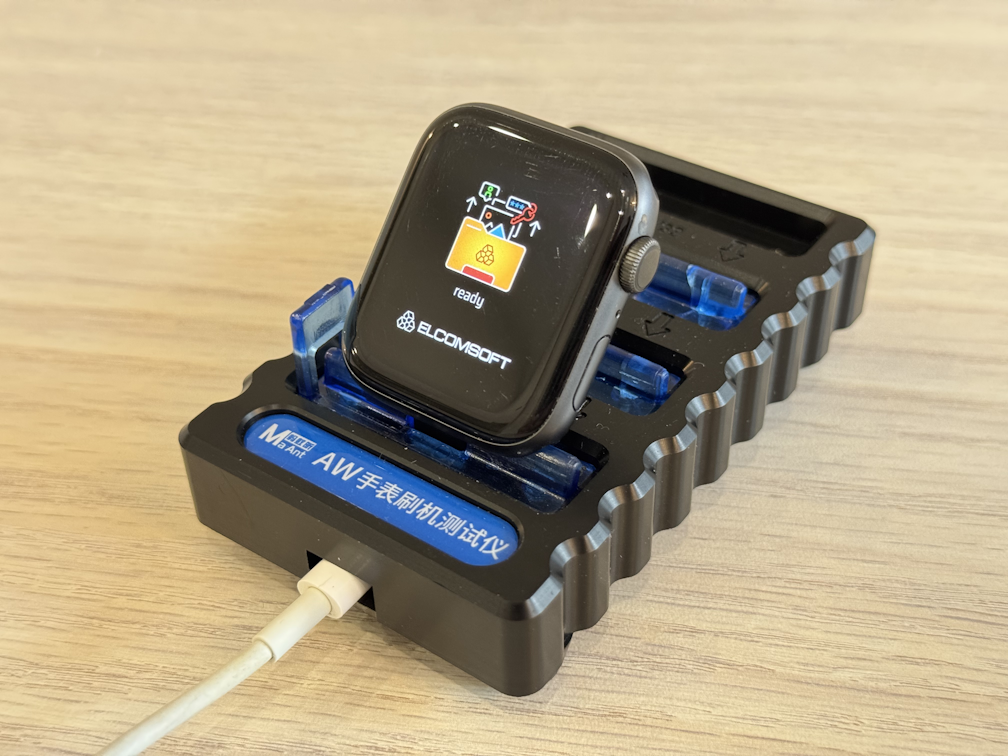
What you need
- A Mac or a Linux computer with iOS Forensic Toolkit 10.11; unlike checkm8, the Windows edition does support this kind of bootloader extraction (since an external board is doingthe heavy lifting), but Windows support is currently being tested
- A microcontroller board with an RP2350 chip (Waveshare RP2350 USB-A is recommended)
- The usbliter8 firmware file for the board (https://github.com/Elcomsoft/usbliter8)
- An Apple Watch adapter for the hidden diagnostic port (these adapters work: MagicAWRT, S-DOCK, MaAnt AWRT)
Flash the board
- Push and hold the button on the board
- Connect the board to the computer with the USB-C cable
- Release the button; the computer shows the board as a mass storage device
- Copy the usbliter8 firmware file to the board
- Wait some seconds; the board is now ready
NOTE: Flash the board one time only. After you flash the board, the USB-C connector supplies electrical power, and the USB-A connector receives the device.
Put the watch into Recovery mode
- Connect the watch to the computer with the watch adapter
- Start iOS Forensic Toolkit
- Run
./EIFT_cmd tools recovery
NOTE: Always go to Recovery mode first. If you make an error in the DFU sequence, the watch starts watchOS. The start sequence of the Apple Watch is very slow, and you lose much time.
Put the watch into DFU mode
- Keep the watch connected to the computer; you cannot enter DFU mode when the watch is not connected
- Push and hold the Digital Crown and the side button together
- Wait until the screen becomes dark
- After 2.5 to 3 seconds, release the side button; сontinue to hold the Digital Crown
- The screen stays dark (if you see the Apple logo, the timing was not correct? and you have to start again)
- Run
./EIFT_cmd infoto make sure that the watch is in DFU mode.
NOTE: The pause of 2.5 to 3 seconds is the difficult part. If it fails, just try again.
Apply the exploit
- Supply electrical power to the board through the USB-C connector (еhe computer is the easiest source)
- Connect the watch to the USB-A connector of the board.
- Look at the indicator on the board: the indicator flashes two times, then it stays green (the exploit is applied)
- Disconnect the watch from the board and connect to the computer again
- Run
./EIFT_cmd infoto verify that the watch is in DFU mode and that usbliter8 is applied
You do not need the board again in this session.
The extraction commands
The commands are the same as the commands for checkm8 extractions. The articles at the end of this chapter give the full details.
| Command | Function |
|---|---|
./EIFT_cmd boot |
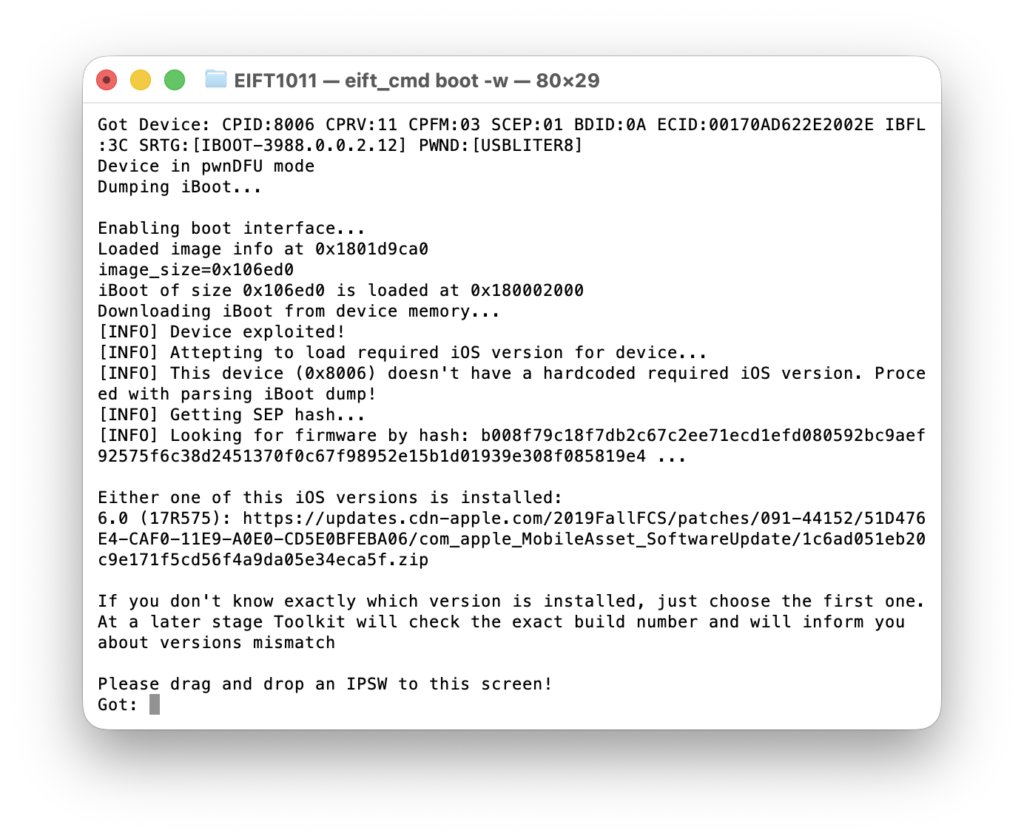
Starts the ramdisk. The toolkit detects the version of watchOS and gives you one or more firmware links. Use the last link in the list. Paste the link, or download the file and drag it to the console window. |
./EIFT_cmd ramdisk unlockdata |
Unlocks the data partition and mounts it read-only. Type the passcode of the watch when the toolkit asks for it. If that doesn’t work, then use loadnfcd followed by unlockdata -s |
./EIFT_cmd ramdisk keychain -o {filename} |
Extracts and decrypts the keychain. |
./EIFT_cmd ramdisk tar -o {filename} |
Makes the image of the file system. The toolkit calculates the checksum during the extraction. |
./EIFT_cmd ssh halt |
Turn the watch off (next time it will boot into Recovery) |
More information
- iOS Forensic Toolkit 8 Apple Watch S3 checkm8 Extraction Cheat Sheet
- Forensic Insights into Apple Watch Data Extraction
- Apple Watch Forensics: The Adapters
- Apple Watch Forensics: More on Adapters
- iOS Forensic Toolkit Now Supports All Models of Apple Watch
- iOS Extraction Tip: Why Start with Recovery Mode?
- DFU Mode Cheat Sheet
Conclusion
That’s it, really. You may need a few reboots, but there is no trick to the process – it just works. You flash the board – a one-time job; you put the device into DFU mode, and you apply the exploit with the board. When the board shows the constant green indicator, the remaining steps are the usual bootloader extraction steps. The only difficult step is the DFU sequence, because the pause between the two buttons must be precise. You must connect and disconnect the device several times. This is normal.
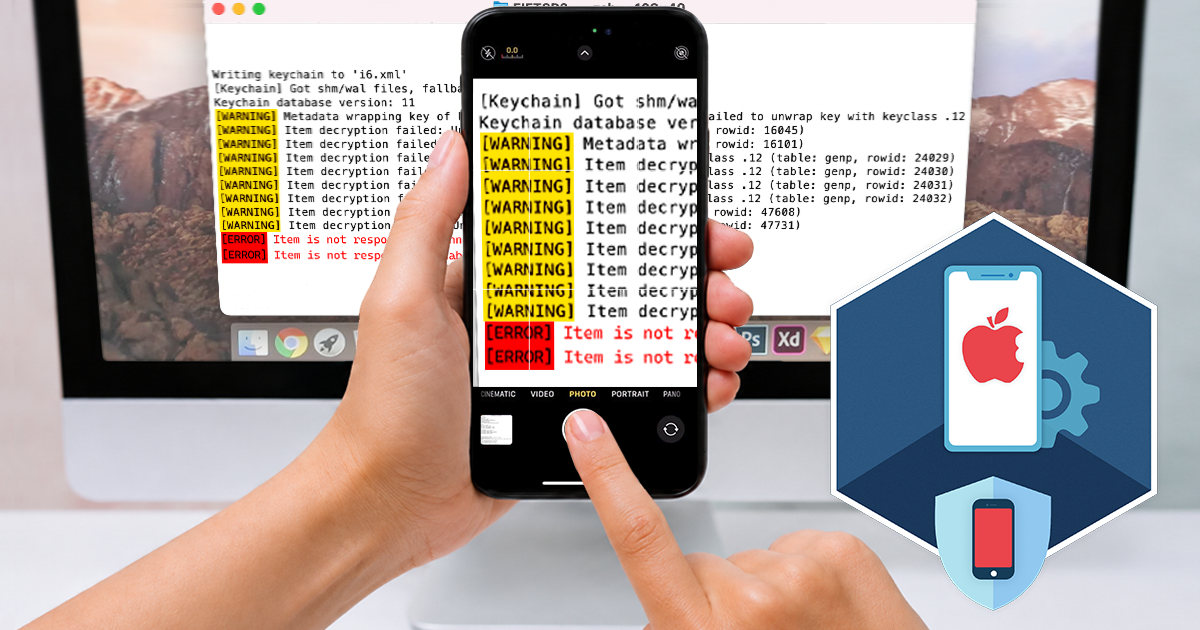

- iOS Forensic Toolkit 10.12: bootloader extraction for the Apple HomePod mini9 October, 2026
- Elcomsoft Phone Breaker 11.05: iCloud extraction support for iOS 27 and the iPhone 18 range6 October, 2026
- iOS Forensic Toolkit 10.11: bootloader extraction for Apple Watch Series 4 and 5, Apple TV 4K 2nd Gen21 September, 2026
- Elcomsoft Quick Triage 2.2 adds a timeline, a plugin system, and file system snapshots3 September, 2026
- Elcomsoft System Recovery 8.38: Built-In BitLocker TPM Exploit Library, Browser Artefact Extraction, and Imaging Checksums26 August, 2026