
The RAR Mystery: Breaking RAR4 and RAR5 Encryption
July 23rd, 2026 by Oleg AfoninRAR encryption has an unusual reputation: in more than twenty years there has been no practical attack against the cipher, no implementation flaw worth the name, and none of the shortcuts that collapsed certain other archive formats in minutes. Yet until recently, nobody could say how fast a RAR password could actually be attacked. The answer was always “it depends”, technically true but not something one could put in front of a client or plan a recovery job around.
On 16 July 2026, Hugging Face disclosed that an autonomous AI agent had been inside part of its production infrastructure. The company was clear about what it did not know: which model was driving the agent, or who was operating it. Five days later, OpenAI answered both questions. The agent was its own, running an internal benchmark with its cyber safety refusals deliberately switched off, and it had gone looking for the answers to a test.
Digital Triage and the Rules of Evidence: What Holds Up, and Where
July 21st, 2026 by Oleg AfoninThe scene is familiar. A couple of desktops, a laptop, two or three phones, maybe a NAS or a bunch of external drives, and a limited amount of time before you decide what you do on the spot and what can wait till the lab. You cannot image everything on the spot, and even if you could, the lab queue would swallow it for weeks. So you triage: you look at what is in front of you and decide what matters, what is urgent, and what can wait.
When someone hands you a password-protected ZIP archive, one’s immediate thought is “I need to break the password”. For most modern archives, that is exactly the case, and the password is the whole game. But there is a family of ZIP archives where the password does not matter at all. It can be four characters or forty, random or memorable; if the archive uses the legacy ZIP encryption, the whole thing can be unlocked in minutes without ever guessing the password. This is one of the oldest tricks in our line of work, and it is worth telling the story properly, because it is equal parts computer history and practical forensics.
PDF has a reputation as the boring, dependable file format – the one you reach for when you need a document to look exactly the same on every computer, forever. What gets forgotten is that PDF’s security model has been shaky since version 1.0, and its history includes an FBI arrest, a federal jury trial that helped define how the DMCA actually works, and – twenty years later – a fake GIF that hid a tiny working computer inside an image compression stream. This is that story, roughly in order, including the part where we were personally on the receiving end of it.
Two-factor authentication is the least glamorous security feature, and probably the most important one. A password is “something you know”, which really means “something that can be phished, reused, leaked, or guessed”. The second factor is “something you have”, and, while it can still be phished, it makes stolen passwords much less of a catastrophe they used to be. Everything else in account security is built on top of that. If the second factor is not there, or if it does not cover the data that actually matters, the rest is decoration.

A12 usbliter8 BootROM sigpatches
July 15th, 2026 by Elcomsoft R&DBootROM exploits are an important part of modern low-level forensic acquisition, and our Elcomsoft iOS Forensic Toolkit is no stranger to it. It allows getting code execution at the earliest stage on the device and lets us then load custom software for data decryption and extraction. It has been almost 7 years since the last major BootROM exploit called checkm8 was released, which exploits Apple chips up to A11 (iPhone 8 / iPhone X).
Most people meet these four tools one product page at a time, which makes them look like four separate purchases for four separate problems. On a real desktop case they are closer to four stages of a single job. Each one hands its output to the next: Elcomsoft System Recovery and Elcomsoft Quick Triage pull the raw material off the machine, Forensic Disk Decryptor turns keys into mounted volumes, and Distributed Password Recovery grinds through whatever is left. In this article we will not go through the feature lists (the product pages do that job well enough); instead we will look at when to reach for each tool, and why the order in which you use them is not fixed but decided by the situation in front of you.
How to Buy a Reliable SSD, Continued
July 2nd, 2026 by Oleg AfoninOver at the Atola blog, Vitaliy Mokosiy published How to buy a reliable SSD – and none of it is wrong. That’s the problem. Read it back and it boils down to buy a good drive, don’t buy a bad one, and make backups. Every line is true and every line is the line an AI would hand you from a one-sentence prompt.
Stated plainly: iOS Forensic Toolkit can now get past Stolen Device Protection. There is a catch, and it belongs up front: this is not a magic unlock, and anyone selling it as one is selling something. What we have built is a way to install the extraction agent without ever pairing the iPhone to the workstation over a USB port. Because the most disruptive thing SDP does to a forensic workflow is place Face ID or Touch ID in front of that pairing step, bypassing the pairing step bypasses the gate. You still need the device passcode, a paid Apple Developer account, and a device you are authorized to examine. With those in hand, SDP is no longer the wall it was a month ago.
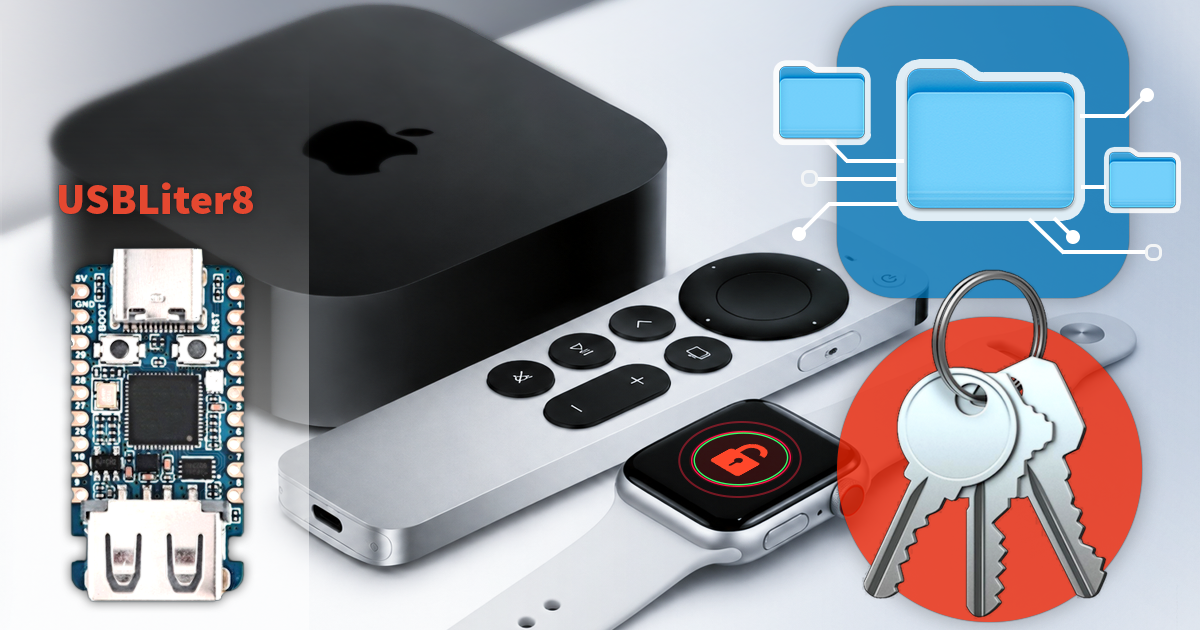

- iOS Forensic Toolkit 10.11: bootloader extraction for Apple Watch Series 4 and 5, Apple TV 4K 2nd Gen21 September, 2026
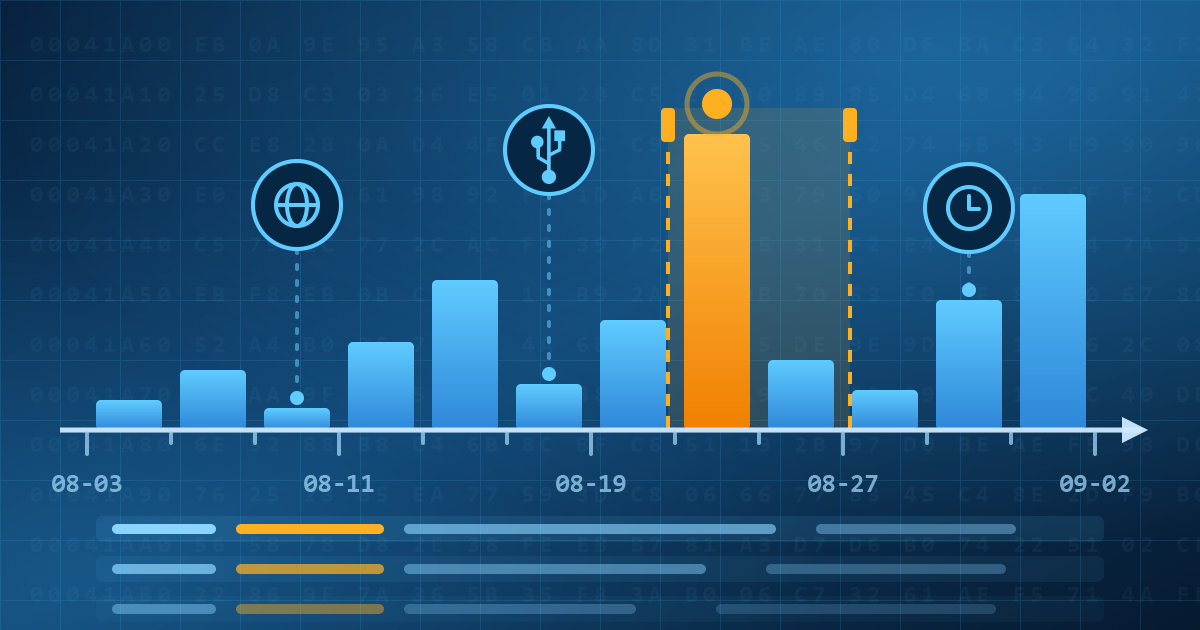
- Elcomsoft Quick Triage 2.2 adds a timeline, a plugin system, and file system snapshots3 September, 2026
- Elcomsoft System Recovery 8.38: Built-In BitLocker TPM Exploit Library, Browser Artefact Extraction, and Imaging Checksums26 August, 2026
- EIFT Firewall: a new free tool for controlled agent sideloading3 August, 2026
- Elcomsoft Phone Breaker 11.04: more reliable downloads from iCloud Drive30 July, 2026