
Stated plainly: iOS Forensic Toolkit can now get past Stolen Device Protection. There is a catch, and it belongs up front: this is not a magic unlock, and anyone selling it as one is selling something. What we have built is a way to install the extraction agent without ever pairing the iPhone to the workstation over a USB port. Because the most disruptive thing SDP does to a forensic workflow is place Face ID or Touch ID in front of that pairing step, bypassing the pairing step bypasses the gate. You still need the device passcode, a paid Apple Developer account, and a device you are authorized to examine. With those in hand, SDP is no longer the wall it was a month ago.
If you have an Apple device running iOS 18 or iOS 26 and gone looking for the old Get Verification Code option under Settings → [user name] → Sign-In & Security, you’ve probably noticed it’s no longer there. A quick search turns up forum threads, support comments, and even GitHub issues all reaching the same conclusion: Apple removed it. Some posts go further and call it “deprecated” or “Apple’s middle finger to users of older devices.” That conclusion is wrong. The option still exists in iOS 26. It just doesn’t show up the way it used to.
Downloading iOS 26 iCloud Backups
June 18th, 2026 by Oleg AfoninElcomsoft Phone Breaker 11.2 adds the ability to download iCloud backups created on devices running iOS and iPadOS 26 and, by extension, iOS/iPadOS 27 beta. With this release, Elcomsoft Phone Breaker becomes the first and only third-party tool capable of pulling these backups from Apple’s cloud. That might read like a routine compatibility update. It isn’t. In iOS 26, Apple reworked its iCloud backup mechanism from the ground up, breaking every third-party tool that relied on the previous scheme. Restoring access meant rebuilding a large part of our cloud extraction pipeline. Below is what changed, what we did about it, and where the current build still has rough edges.
Forensic Implications of Apple Stolen Device Protection
June 1st, 2026 by Oleg AfoninIf you extract data from iPhones for a living, Stolen Device Protection is the change you can no longer afford to ignore. It does something deceptively simple: it puts Face ID or Touch ID in front of the “Trust This Computer” prompt. The practical result is that an examiner who knows the device passcode still cannot pair an unfamiliar iPhone to a forensic workstation. That is the most disruptive change Apple has made to iPhone pairing behavior in roughly a decade, and as of spring 2026 it is switched on out of the box.
Downloading iPhone and iPad backups from Apple iCloud
May 26th, 2026 by Oleg AfoninPulling a backup out of iCloud is one of the more technically demanding jobs in cloud forensics. An iCloud backup is not a single, ready-to-download file; instead, it is assembled from a large number of separate fragments that have to be collected and stitched back together into a coherent backup. Recent changes to Apple’s communication protocols broke things for everyone except Apple themselves, meaning that we had to rework the underlying extraction logic. This is documented in Elcomsoft Phone Breaker 11 Restores iCloud Access.
A few days ago we wrote about YellowKey, the newest entry in what has become a remarkably long list of BitLocker bypasses. That article walked through one specific attack with a practical workflow. This follow-up steps back and surveys the broader landscape: where BitLocker has been broken before, where it is still broken today, and what an investigator should expect to encounter on a seized Windows machine in 2026.
On May 12, 2026, a researcher operating under the handles Chaotic Eclipse and Nightmare-Eclipse dropped a working proof-of-concept on GitHub for a Windows zero-day called YellowKey. In short, it lets anyone with brief physical access to a BitLocker-protected Windows 11, Windows Server 2022, or Windows Server 2025 machine pop a command prompt with full read access to the encrypted volume. No password. No recovery key. No TPM sniffing rig. A USB stick and a key combination during reboot.
Over the years, we have published several articles about the extraction agent. However, the underlying technology changes quickly, and incremental changes often have significant cumulative effects. As a result, many of our older posts are no longer relevant and can be misleading if followed to the letter today. While last year’s recap, Installing and Troubleshooting the Extraction Agent (2025), remains a solid foundation for general setup, it does not account for the most recent hardware and software developments. This article serves as the definitive point of reference, providing an up-to-date recap of everything you need to know about the extraction agent as of May 2026.
Elcomsoft Phone Breaker 11 Restores iCloud Access
April 30th, 2026 by Oleg AfoninExtracting cloud data becomes increasingly valuable – and increasingly complex at the same time. In scenarios where a target device is physically unavailable cloud extraction is often the only real way to access evidence. This is particularly relevant when devices are secured by an unknown passcode or locked under Apple’s Stolen Device Protection framework without available biometric authentication, rendering traditional extraction techniques ineffective.
New Security Features and Low-Level Extraction of iOS 26
April 29th, 2026 by Oleg AfoninWe updated iOS Forensic Toolkit, adding low-level extraction support for iOS 26 and 26.0.1 via the extraction agent. This support is available for most iPhones and iPads compatible with the iOS 26 branch with a notable exception of the iPhone 17 range and M5-based iPads. Why exactly are these devices exempt, and what else did Apple do to make iOS 26 tougher and more resistant? Let’s find out.
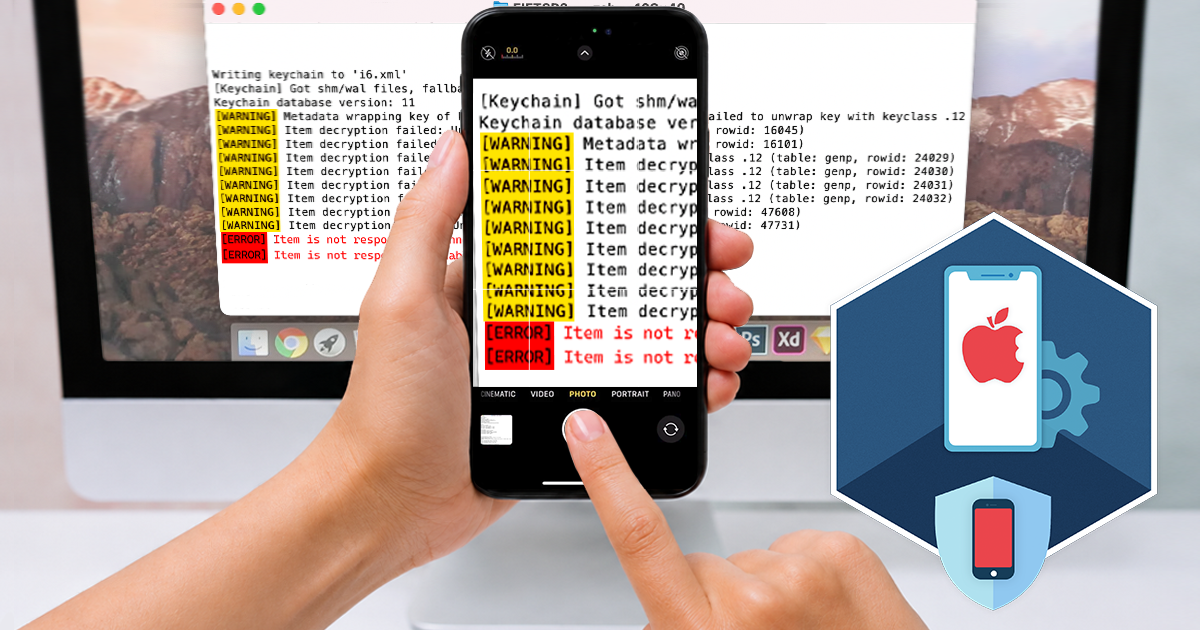

- iOS Forensic Toolkit 10.12: bootloader extraction for the Apple HomePod mini9 October, 2026
- Elcomsoft Phone Breaker 11.05: iCloud extraction support for iOS 27 and the iPhone 18 range6 October, 2026
- iOS Forensic Toolkit 10.11: bootloader extraction for Apple Watch Series 4 and 5, Apple TV 4K 2nd Gen21 September, 2026
- Elcomsoft Quick Triage 2.2 adds a timeline, a plugin system, and file system snapshots3 September, 2026
- Elcomsoft System Recovery 8.38: Built-In BitLocker TPM Exploit Library, Browser Artefact Extraction, and Imaging Checksums26 August, 2026