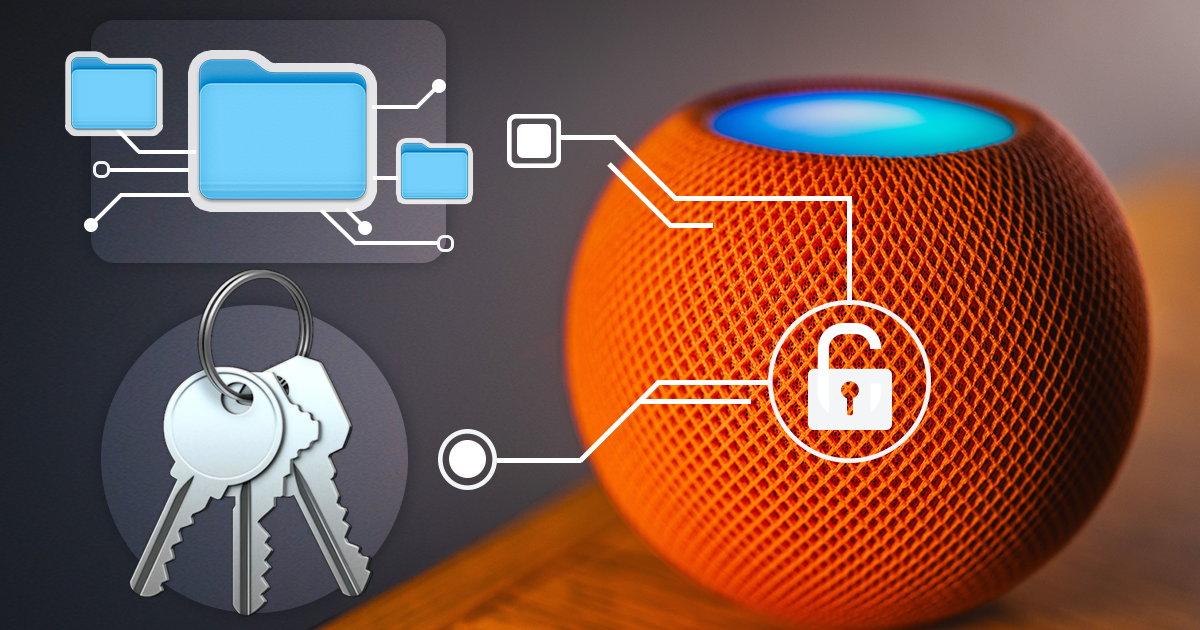
Low-Level Extraction of the HomePod mini
October 9th, 2026 by Vladimir Katalov
iOS Forensic Toolkit 10.12 extracts the full file system image and the decrypted keychain from yet another IoT device: Apple HomePod mini. This is the first file system extraction of the device; the method uses the usbliter8 bootloader exploit and a custom adapter. This guide covers the hardware, the extraction and analysis steps.

WhatsApp: The Bad Guys’ Secret Weapon
July 19th, 2017 by Vladimir Katalov
WhatsApp is one of the most secure messengers with full end-to-end encryption. Messages exchanged between WhatsApp users are using an encrypted point-to-point communication protocol rendering man-in-the-middle attacks useless. WhatsApp communications are never stored or backed up on WhatsApp servers. All this makes government snooping on WhatsApp users increasingly difficult.
Physical Acquisition Is…
July 13th, 2017 by Vladimir Katalov
…dead? Not really, not completely, and not for every device. We’ve just updated iOS Forensic Toolkit to add physical support for some previously unsupported combinations of hardware (32-bit devices) and software (iOS 9.1 through 9.3.4). The intent was helping our law enforcement and forensic customers clear some of the backlog, finally taking care of evidence kept on dusty shelves in the back room. In order to do the extraction, you’ll need to install the “Home Depot” jailbreak from http://wall.supplies and, obviously, Elcomsoft iOS Forensic Toolkit 2.30.
iCloud Outage, New Token Expiration Rules and Fixes for Authentication Issues
July 11th, 2017 by Oleg Afonin
In early July, 2017, Apple has once again revised security measures safeguarding iCloud backups. This time around, the company has altered the lifespan of iCloud authentication tokens, making them just as short-lived as they used to be immediately after celebgate attacks. How this affects your ability to access iCloud data, which rules apply to iCloud tokens, for how long you can still use the tokens and how this affected regular users will be the topic of this article.
Cloud Extraction Compared: What Is Available in iCloud, Google Account and Microsoft Account
July 6th, 2017 by Oleg Afonin
There are three major mobile operating systems, and three major cloud services. Most Android users are deep into the Google’s ecosystem. iCloud is an essential part of iOS, while cloud services provided by Microsoft under the OneDrive umbrella are used not only by the few Windows Phone and Windows 10 Mobile customers but by users of other mobile and desktop platforms.
Elcomsoft Phone Breaker Offers Over-the-Air Windows 10 Acquisition
June 19th, 2017 by Vladimir Katalov
We’ve just updated Elcomsoft Phone Breaker to version 6.60, adding remote acquisition support for Microsoft Windows 10 phones and desktops. The new build can pull search and Web browsing history, call logs, and location history directly from the user’s Microsoft Account. In this article we’ll have a look at what exactly is available and can be extracted and where this information is stored. We will also list the steps required to extract and view the data.
Fetching Call Logs, Browsing History and Location Data from Microsoft Accounts
June 16th, 2017 by Oleg Afonin
In other blog post, we discussed the updated Elcomsoft Phone Breaker that allows extracting search and browsing history, location data and call logs from users’ Microsoft Accounts. Now let’s talk about the origins of this data and how to enable its collection on different devices – even if they don’t run Microsoft Windows.
The New Google Authentication Engine in Elcomsoft Cloud Explorer 1.31
June 15th, 2017 by Oleg Afonin
As you may know, we have recently updated Elcomsoft Cloud Explorer, bumping the version number from 1.30 to 1.31. A very minor update? A bunch of unnamed bug fixes and performance improvements? Not really. Under the hood, the new release has major changes that will greatly affect usage experience. What exactly has changed and why, and what are the forensic implications of these changes? Bear with us to find out.
Android Encryption Demystified
May 23rd, 2017 by Oleg Afonin
How many Android handsets are encrypted, and how much protection does Android encryption actually provide? With Android Nougat accounting for roughly 7% of the market, the chance of not being adequately protected is still high for an average Android user.
We Did It Again: Deleted Notes Extracted from iCloud
May 19th, 2017 by Oleg Afonin
As we already know, Apple syncs many types of data across devices that share the same Apple ID. Calls logs, contacts, Safari tabs and browsing history, favorites and notes can be synced. The syncing mechanism supposedly synchronizes newly created, edited and deleted items. These synchronizations work near instantly with little or no delay.
On Apple iCloud security and ‘deleted’ notes
May 19th, 2017 by Vladimir Katalov
Apple, it’s not funny anymore.


