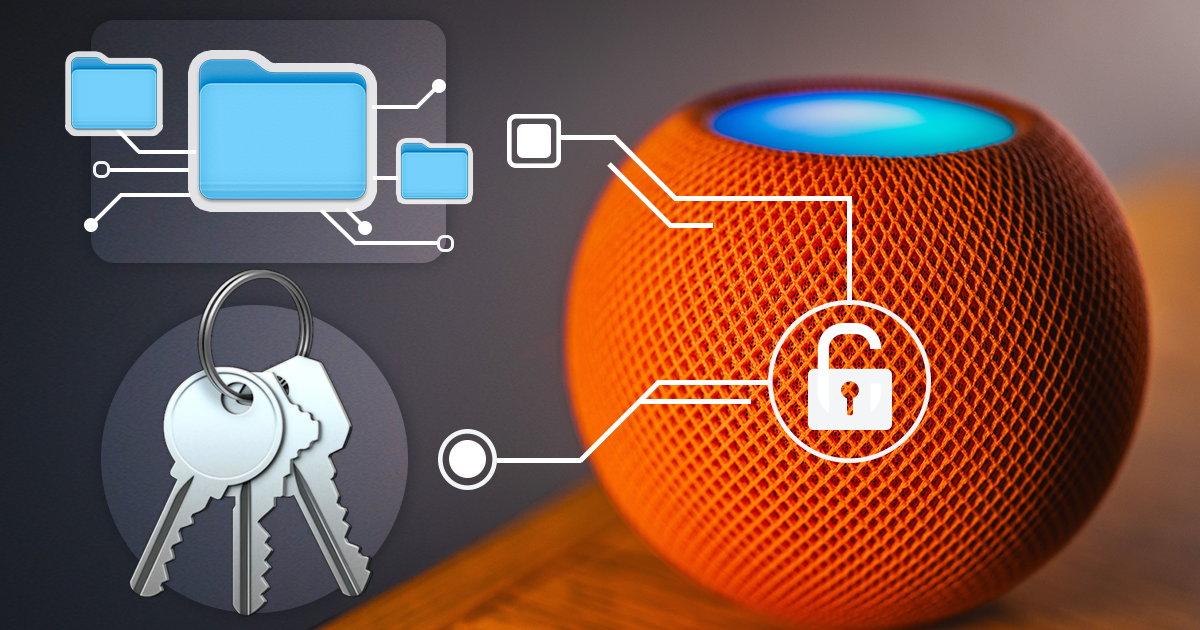
Low-Level Extraction of the HomePod mini
October 9th, 2026 by Vladimir Katalov
iOS Forensic Toolkit 10.12 extracts the full file system image and the decrypted keychain from yet another IoT device: Apple HomePod mini. This is the first file system extraction of the device; the method uses the usbliter8 bootloader exploit and a custom adapter. This guide covers the hardware, the extraction and analysis steps.

Apple Warns Users against Jailbreaking iOS Devices: True or False?
July 2nd, 2018 by Oleg Afonin
Apple has an article on their official Web site, warning users against jailbreaking iOS devices. The article “Unauthorized modification of iOS can cause security vulnerabilities, instability, shortened battery life, and other issues” is available at https://support.apple.com/en-us/HT201954. How much truth is in that article, and is jailbreaking as dangerous as Apple claims? We’ll comment the article based on our extensive experience in jailbreaking more than a hundred devices running every version of iOS imaginable.
Breaking Deeper Into iPhone Secrets
June 20th, 2018 by Vladimir Katalov
iPhone protection becomes tougher with each iteration. The passcode is extremely hard to break, and it’s just the first layer of defense. Even if the device is unlocked or if you know the passcode, it is not that easy and sometimes impossible to access all the data stored on the device. This includes, for example, conversations in Signal, one of the most secure messengers. Apple did a very good job as a privacy and security advocate.
iOS Forensic Toolkit 4.0 with Physical Keychain Extraction
June 20th, 2018 by Oleg Afonin
We have just released an update to iOS Forensic Toolkit. This is not just a small update. EIFT 4.0 is a milestone, marking the departure from supporting a large number of obsolete devices to focusing on current iOS devices (the iPhone 5s and newer) with and without a jailbreak. Featuring straightforward acquisition workflow, iOS Forensic Toolkit can extract more information from supported devices than ever before.
iOS 11.4.1 Second Beta Extends USB Restricted Mode with Manual Activation
June 14th, 2018 by Vladimir Katalov
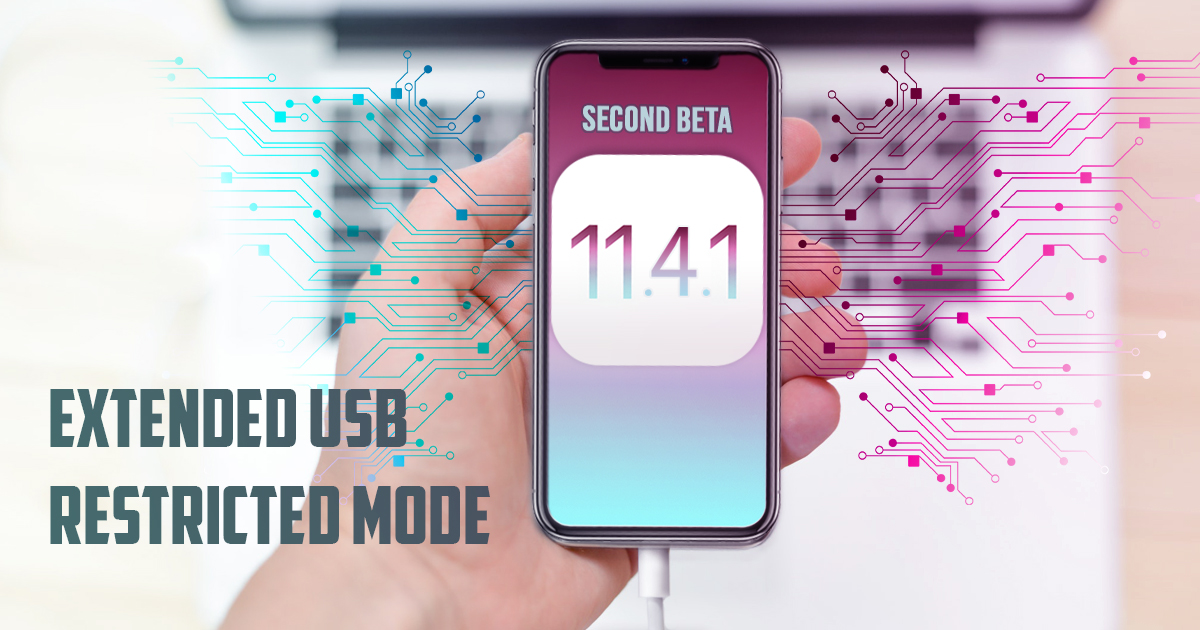
Thinking Apple is done with USB Restricted Mode? Not yet. They have at least one more deus ex machina to shake up the forensic community.

How to Obtain iMessages from iCloud
June 14th, 2018 by Oleg Afonin
iOS 11.4 has finally brought a feature Apple promised almost a year ago: the iMessage sync via iCloud. This feature made its appearance in iOS 11 beta, but was stripped from the final release. It re-appeared and disappeared several times during the iOS 11 development cycle, and has finally made it into iOS 11.4. Let’s have a look at how iMessages are protected and how to download them from iCloud.

iCloud and iMessage Security Concerns
June 14th, 2018 by Vladimir Katalov
We also trust these companies in ways that we do not understand yet. How many of you trust Apple? No voting… Just me 🙂 Damn! OK. May I ask you a very good question. Trusting to do what? Trusting when they say: “iMessages are end-to-end encrypted”? I mean, with all of that massive security engineering, to make sure it’s as good as it can be, so they genuinely believe they’ve done that. I do, generally, they’re great people. But… people believe themselves they can defend themselves against the Russians. If the Russians specifically targeted Apple, it’s only they can defend themselves. – Ian Levy, director at the GCHQ on anniversary of the foundation of the FIPR event that was held on 29/04/2018).

Protecting Your Data and Apple Account If They Know Your iPhone Passcode
June 12th, 2018 by Oleg Afonin
This publication is somewhat unusual. ElcomSoft does not need an introduction as a forensic vendor. We routinely publish information on how to break into the phone, gain access to information and extract as much evidence as theoretically possible using hacks (jailbreaks) or little known but legitimate workarounds. We teach and train forensic experts on how to extract and decrypt information, how to download information from iCloud with or without the password, how to bypass two-factor authentication and how their iPhone falls your complete victim if you know its passcode.

The iOS File System: TAR and Aggregated Locations Analysis
June 7th, 2018 by Oleg Afonin
Finally, TAR support is there! Using Elcomsoft iOS Forensic Toolkit to pull TAR images out of jailbroken iOS devices? You’ll no longer be left on your own with the resulting TAR file! Elcomsoft Phone Viewer 3.70 can now open the TAR images obtained with Elcomsoft iOS Forensic Toolkit or GrayKey and help you analyse evidence in that file. In addition, we added an aggregated view for location data extracted from multiple sources – such as the system logs or geotags found in media files.

Apple Probably Knows What You Did Last Summer
June 5th, 2018 by Vladimir Katalov
“Significant Locations” are an important part of the evidence logged on iPhones. Forensic experts doing the acquisition will try accessing Significant Locations. At the same time, many iPhone users are completely unaware of the existence of this feature. What are Significant Locations, where are they stored, and how to extract them, and what value do they serve in investigations?
iOS 11.4.1 Beta: USB Restricted Mode Has Arrived
June 2nd, 2018 by Oleg Afonin
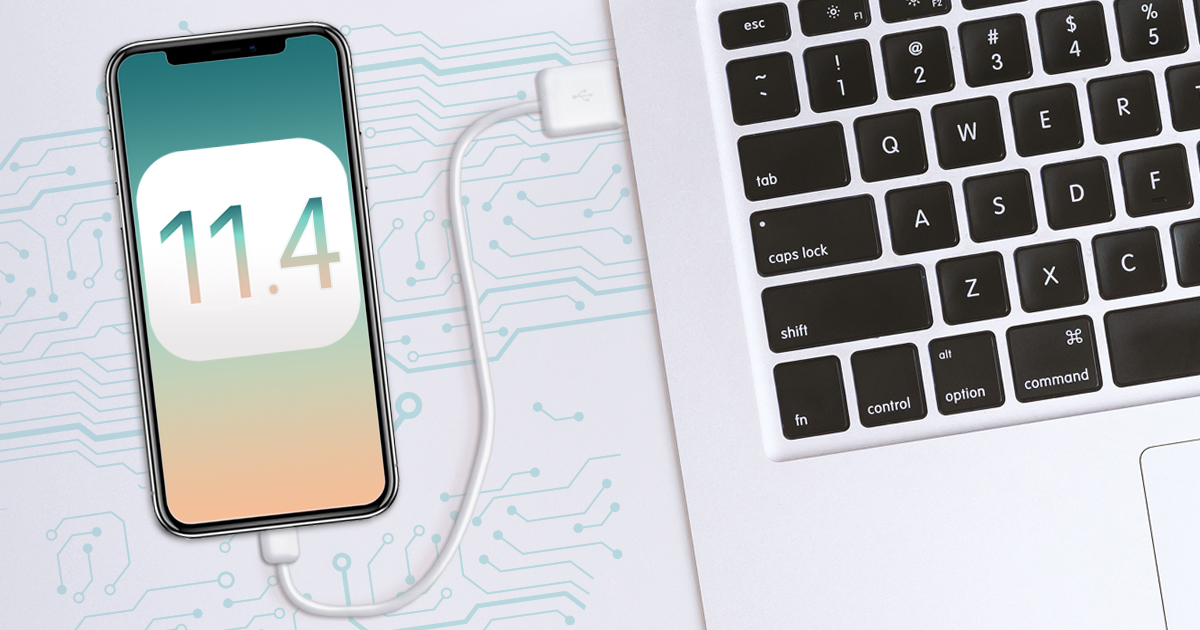
As we wrote back in May, Apple is toying with the idea of restricting USB access to iOS devices that have not been unlocked for a certain period of time. At the time of publication, our article received a lot of controversial reports. When this mode did not make it into the final build of iOS 11.4, we enjoyed a flow of sarcastic comments from journalists and the makers of passcode cracking toolkits. Well, there we have it: Apple is back on track with iOS 11.4.1 beta including the new, improved and user-configurable USB Restricted Mode.


