
ElcomSoft vs. The Cloud: a Game of Cat and Mouse
May 12th, 2017 by Oleg AfoninWe’ve got a few forensic tools for getting data off the cloud, with Apple iCloud and Google Account being the biggest two. Every once in a while, the cloud owners (Google and Apple) make changes to their protocols or authentication mechanisms, or employ additional security measures to prevent third-party access to user accounts. Every time this happens, we try to push a hotfix as soon as possible, sometimes in just a day or two. In this article, we’ll try to address our customers’ major concerns, give detailed explanations on what’s going on with cloud access, and provide our predictions on what could happen in the future.

ElcomSoft Extracts Deleted Safari Browsing History from iCloud
February 9th, 2017 by Vladimir KatalovYour browsing history represents your habits. You are what you read, and your browsing history reflects that. Your Google searches, visits to news sites, activities in blogs and forums, shopping, banking, communications in social networks and other Web-based activities can picture your daily activities. It could be that the browsing history is the most intimate part of what they call “online privacy”. You wouldn’t want your browsing history become public, would you?
Cloud acquisition has been available for several years. iPhones and iPads running recent versions of iOS can store snapshots of their data in the cloud. Cloud backups are created automatically on a daily basis provided that the device is charging while connected to a known Wi-Fi network. While iCloud backups are great for investigations, there is one thing that might be missing, and that’s up-to-date information about user activities that occurred after the moment the backup was created. In this article, we’ll discuss an alternative cloud acquisition option available for iOS devices and compare it to the more traditional acquisition of iCloud backups.
The Ugly Side of Two-Factor Authentication
December 20th, 2016 by Oleg AfoninTwo-factor authentication is great when it comes to securing access to someone’s account. It’s not so great when it gets in the way of accessing your account. However, in emergency situations things can turn completely ugly. In this article we’ll discuss steps you can do to minimize the negative consequences of using two-factor authentication if you lose access to your trusted device and your trusted phone number. In order to keep the size of this text reasonable we’ll only talk about Apple’s implementation, namely Two-Step Verification and Two-Factor Authentication. You can read more about those in our previous blog post.
Bypassing Apple’s Two-Factor Authentication
December 16th, 2016 by Oleg AfoninTwo-factor authentication a roadblock when investigating an Apple device. Obtaining a data backup from the user’s iCloud account is a common and relatively easy way to acquire evidence from devices that are otherwise securely protected. It might be possible to bypass two-factor authentication if one is able to extract a so-called authentication token from the suspect’s computer.
Exploring Two-Factor Authentication
December 15th, 2016 by Oleg AfoninIn this article we’ll discuss the differences between implementations of two-factor authentication in popular mobile platforms. We’ll research how two-factor authentication is implemented in Android, iOS and Windows 10 Mobile, and discuss usability and security implications of each implementation.
“We take privacy very seriously” – Apple, we do not buy it, sorry
November 18th, 2016 by Vladimir KatalovGood news: Apple has officially responded.
iOS Call Syncing: How It Works
November 17th, 2016 by Vladimir KatalovIn our previous article, we figured that iPhone call logs are synced with iCloud. We performed multiple additional tests to try to understand exactly how it works, and are trying to guess why. (more…)
iPhone User? Your Calls Go to iCloud
November 17th, 2016 by Oleg AfoniniCloud sync is everywhere. Your contacts and calendars, system backups and photos can be stored in the cloud on Apple servers. This time, we discovered that yet another piece of data is stored in the cloud for no apparent reason. Using an iPhone and have an active iCloud account? Your calls will sync with iCloud whether you want it or not. In fact, most users we’ve heard from don’t want this “feature”, yet Apple has no official way to turn off this behavior other than telling people “not using the same Apple ID on different devices”. What’s up with that? Let’s try to find out.
Breaking FileVault 2 Encryption Through iCloud
August 29th, 2016 by Oleg AfoninFileVault 2 is a whole-disk encryption scheme used in Apple’s Mac OS X using secure XTS-AES encryption to protect the startup partition. Brute-forcing your way into a crypto container protected with a 256-bit key is a dead end.
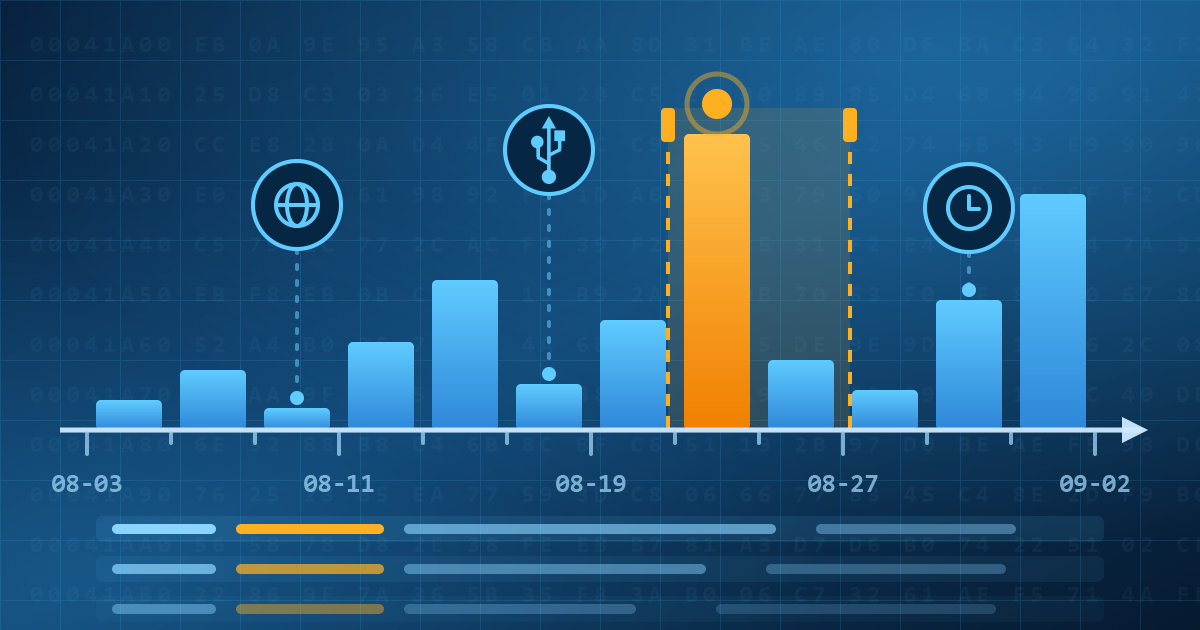

- Elcomsoft Quick Triage 2.2 adds a timeline, a plugin system, and file system snapshots3 September, 2026
- Elcomsoft System Recovery 8.38: Built-In BitLocker TPM Exploit Library, Browser Artefact Extraction, and Imaging Checksums26 August, 2026
- EIFT Firewall: a new free tool for controlled agent sideloading3 August, 2026
- Elcomsoft Phone Breaker 11.04: more reliable downloads from iCloud Drive30 July, 2026
- Elcomsoft Phone Breaker 11.03: universal binary for Macs, SMS two-factor authentication restored16 July, 2026