
Google’s Take on Two-Factor Authentication
December 17th, 2016 by Oleg AfoninBefore we start discussing Google’s two-factor authentication, let’s first look how Google protects user accounts if two-factor authentication is not enabled. If Google detects an unusual sign-in attempt (such as one originating from a new device located in a different country or continent), it may prompt the user to confirm their account. This can (or cannot) be done in various ways such as receiving a verification code to an existing backup email address that was previously configured in that account. Interestingly, even receiving and entering such a code and answering all the additional security questions Google may ask about one’s account does not actually confirm anything. Without two-factor authentication, Google may easily decline sign-in requests it deems suspicious. From first-hand experience, one is then forced to change their Google Account password. (Interestingly, Microsoft exhibits similar behavior, yet the company allows using two-factor authentication in such cases even if two-factor authentication is not enabled for that account. Weird, but that’s how it works.)
Bypassing Apple’s Two-Factor Authentication
December 16th, 2016 by Oleg AfoninTwo-factor authentication a roadblock when investigating an Apple device. Obtaining a data backup from the user’s iCloud account is a common and relatively easy way to acquire evidence from devices that are otherwise securely protected. It might be possible to bypass two-factor authentication if one is able to extract a so-called authentication token from the suspect’s computer.
Exploring Two-Factor Authentication
December 15th, 2016 by Oleg AfoninIn this article we’ll discuss the differences between implementations of two-factor authentication in popular mobile platforms. We’ll research how two-factor authentication is implemented in Android, iOS and Windows 10 Mobile, and discuss usability and security implications of each implementation.
Apple Two-Factor Authentication vs. Two-Step Verification
April 1st, 2016 by Oleg AfoninTwo-step verification and two-factor authentication both aim to help users secure their Apple ID, adding a secondary authentication factor to strengthen security. While Apple ID and password are “something you know”, two-step verification (and two-factor authentication) are both based on “something you have”.
Breaking into Microsoft Account: It’s No Google, But Getting Close
March 18th, 2016 by Oleg Afonin

ElcomSoft Open Letter on Latest Developments in iCloud Security
December 17th, 2014 by Vladimir Katalov Apple Two-Factor Authentication and the iCloud
May 30th, 2013 by Vladimir Katalov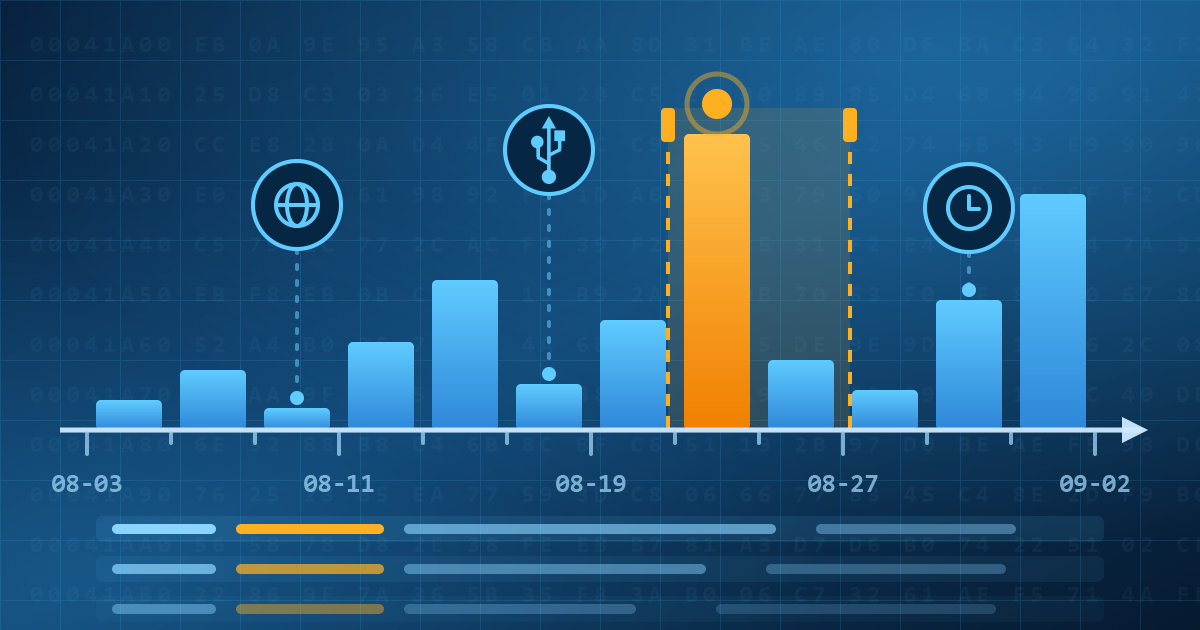

- Elcomsoft Quick Triage 2.2 adds a timeline, a plugin system, and file system snapshots3 September, 2026
- Elcomsoft System Recovery 8.38: Built-In BitLocker TPM Exploit Library, Browser Artefact Extraction, and Imaging Checksums26 August, 2026
- EIFT Firewall: a new free tool for controlled agent sideloading3 August, 2026
- Elcomsoft Phone Breaker 11.04: more reliable downloads from iCloud Drive30 July, 2026
- Elcomsoft Phone Breaker 11.03: universal binary for Macs, SMS two-factor authentication restored16 July, 2026