
In the US, Factory Reset Protection (FRP) is a mandatory part of each mobile ecosystem. The use of factory reset protection in mobile devices helped tame smartphone theft by discouraging criminals and dramatically reducing resale value of stolen devices. Compared to other mobile ecosystems, Apple’s implementation of factory reset protection has always been considered exemplary. A combination of a locked bootloader, secure boot chain and obligatory online activation of every iPhone makes iCloud lock one exemplary implementation of factory reset protection.

iOS 9.3.5 Physical Acquisition Made Possible with Phoenix Jailbreak
August 24th, 2017 by Oleg AfoninIf you watch industry news, you are probably aware of the new Phoenix jailbreak… or not. During the last several years, getting news about iOS jailbreaks from reliable sources became increasingly difficult. The sheer number of fake Web sites mimicking the look of well-known resources such as Pangu and TaiG made us extra careful when trying newly published exploits.

How to Extract iCloud Keychain with Elcomsoft Phone Breaker
August 22nd, 2017 by Olga KoksharovaStarting with version 7.0, Elcomsoft Phone Breaker has the ability to access, decrypt and display passwords stored in the user’s iCloud Keychain. The requirements and steps differ across Apple accounts, and depend on factors such as whether or not the user has Two-Factor Authentication, and if not, whether or not the user configured an iCloud Security Code. Let’s review the steps one needs to take in order to successfully acquire iCloud Keychain.
Acquiring Apple’s iCloud Keychain
August 22nd, 2017 by Oleg AfoninWho needs access to iCloud Keychain, and why? The newly released Elcomsoft Phone Breaker 7.0 adds a single major feature that allows experts extracting, decrypting and viewing information stored in Apple’s protected storage. There are so many ifs and buts such as needing the user’s Apple ID and password, accessing their i-device or knowing a secret security code that one may legitimately wonder: what is it all about? Let’s find out about iCloud Keychain, why it’s so difficult to crack, and why it can be important for the expert.
The Past and Future of iCloud Acquisition
August 21st, 2017 by Vladimir KatalovIn today’s world, everything is stored in the cloud. Your backups can be stored in the cloud. The “big brother” knows where you had lunch yesterday and how long you’ve been there. Your photos can back up to the cloud, as well as your calls and messages. Finally, your passwords are also stored online – at least if you don’t disable iCloud Keychain. Let’s follow the history of Apple iCloud, its most known hacks and our own forensic efforts.
Attacking the 1Password Master Password Follow-Up
August 18th, 2017 by Vladimir KatalovWe received some great feedback on the original article about attacking master passwords of several popular password managers. In one discussion, our benchmark numbers for 1Password were questioned. We had no choice but to re-run the benchmarks and publish an updated chart along with some technical details and explanations. We bring our apologies to AgileBits, the developers of 1Password, for letting the wrong number creep in to our benchmark. Can we still break into 1Password by attacking the master password? Please bear with us for up-to-date information and detailed technical discussion.
Extract and Decrypt WhatsApp Backups from iCloud
July 20th, 2017 by Oleg AfoninFacebook-owned WhatsApp is the most popular instant messaging tool worldwide. Due to its point-to-point encryption, WhatsApp is an extremely tough target to extract.
We’ve just updated Elcomsoft Phone Breaker to version 6.60, adding remote acquisition support for Microsoft Windows 10 phones and desktops. The new build can pull search and Web browsing history, call logs, and location history directly from the user’s Microsoft Account. In this article we’ll have a look at what exactly is available and can be extracted and where this information is stored. We will also list the steps required to extract and view the data.
In other blog post, we discussed the updated Elcomsoft Phone Breaker that allows extracting search and browsing history, location data and call logs from users’ Microsoft Accounts. Now let’s talk about the origins of this data and how to enable its collection on different devices – even if they don’t run Microsoft Windows.
The New Google Authentication Engine in Elcomsoft Cloud Explorer 1.31
June 15th, 2017 by Oleg AfoninAs you may know, we have recently updated Elcomsoft Cloud Explorer, bumping the version number from 1.30 to 1.31. A very minor update? A bunch of unnamed bug fixes and performance improvements? Not really. Under the hood, the new release has major changes that will greatly affect usage experience. What exactly has changed and why, and what are the forensic implications of these changes? Bear with us to find out.

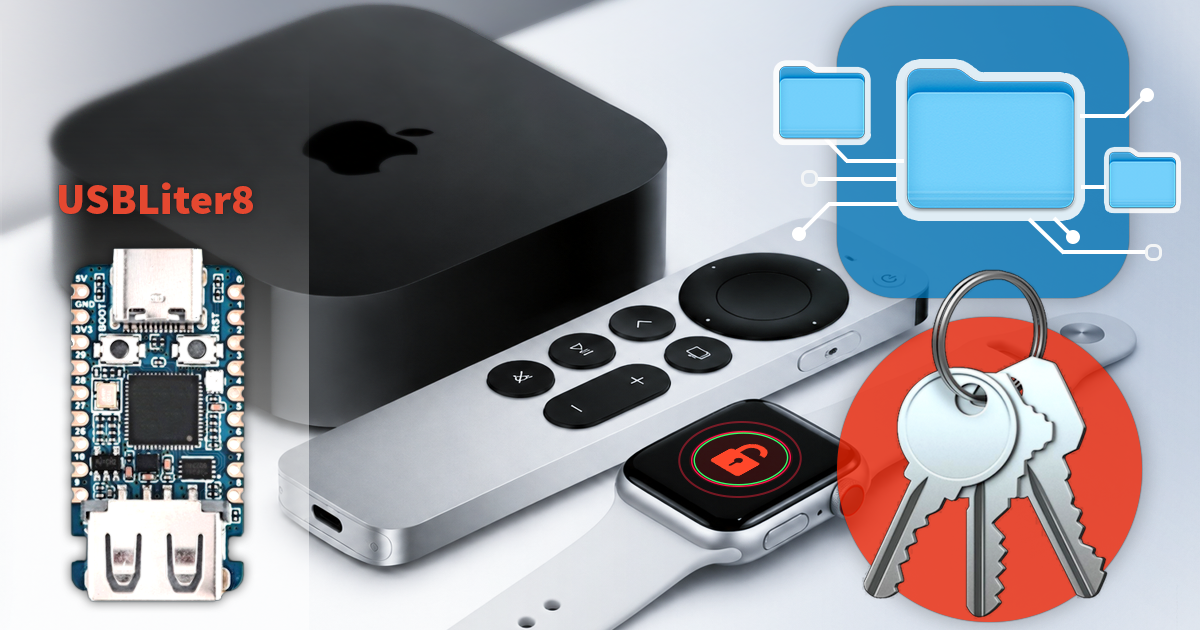
- iOS Forensic Toolkit 10.11: bootloader extraction for Apple Watch Series 4 and 5, Apple TV 4K 2nd Gen21 September, 2026
- Elcomsoft Quick Triage 2.2 adds a timeline, a plugin system, and file system snapshots3 September, 2026
- Elcomsoft System Recovery 8.38: Built-In BitLocker TPM Exploit Library, Browser Artefact Extraction, and Imaging Checksums26 August, 2026
- EIFT Firewall: a new free tool for controlled agent sideloading3 August, 2026
- Elcomsoft Phone Breaker 11.04: more reliable downloads from iCloud Drive30 July, 2026