
On Apple iCloud security and ‘deleted’ notes
May 19th, 2017 by Vladimir KatalovApple, it’s not funny anymore.

ElcomSoft vs. The Cloud: a Game of Cat and Mouse
May 12th, 2017 by Oleg AfoninWe’ve got a few forensic tools for getting data off the cloud, with Apple iCloud and Google Account being the biggest two. Every once in a while, the cloud owners (Google and Apple) make changes to their protocols or authentication mechanisms, or employ additional security measures to prevent third-party access to user accounts. Every time this happens, we try to push a hotfix as soon as possible, sometimes in just a day or two. In this article, we’ll try to address our customers’ major concerns, give detailed explanations on what’s going on with cloud access, and provide our predictions on what could happen in the future.
Extracting Text Messages from Google Accounts
April 26th, 2017 by Oleg AfoninElcomsoft Cloud Explorer 1.30 can now pull SMS (text) messages straight off the cloud, and offers enhanced location processing with support for Routes and Places. In this article, we’ll have a close look at the new features and get detailed instructions on how to use them. The first article will discuss the text messages, while enhanced location data will be covered in the one that follows.
Routes and Places: Obtaining Enhanced Location Data from Google Accounts
April 26th, 2017 by Oleg AfoninEven before we released Elcomsoft Cloud Explorer, you’ve been able to download users’ location data from Google. What you would get then was a JSON file containing timestamped geolocation coordinates. While this is an industry-standard open data format, it provides little insight on which places the user actually visits. A full JSON journal filled with location data hardly provides anything more than timestamped geographic coordinates. Even if you pin those coordinates to a map, you’ll still have to scrutinize the history to find out which place the user has actually gone to.
How Long Does It Take to Crack Your Password?
April 4th, 2017 by Oleg AfoninWe hear the “how long will it take to break…” question all the time. The answer is always the same: “it depends”. In this article we’ll try to give a detailed explanation and a definite answer for as many possible combinations as possible.
Extracting Unread Notifications from iOS Backups
March 2nd, 2017 by Oleg AfoninIn the world of no jailbreak, acquisition opportunities are limited. Experts are struggling to access more information from those sources that are still available. Every little bit counts. In Elcomsoft Phone Viewer 3.0, we’ve added what might appear like a small bit: the ability to view undismissed iOS notifications. Unexciting? Hardly. Read along to discover how extracting notifications from iOS backups can make all the difference in an investigation! (more…)
How to Break 70% of Passwords in Minutes
February 14th, 2017 by Oleg AfoninAccording to surveys, the average English-speaking consumer maintains around 27 online accounts. Memorizing 27 unique, cryptographically secure passwords is nearly impossible for a person one could reasonably call “average”. As a result, the average person tends to reuse passwords, which means that a single password (or its simple variations) can be used to protect multiple online accounts and services. The same passwords are very likely to be chosen to protect access to offline resources such as encrypted archives and documents. In fact, several independent researches published between 2012 and 2016 suggest that between 59 and 61 per cent of consumers reuse passwords.
ElcomSoft Extracts Deleted Safari Browsing History from iCloud
February 9th, 2017 by Vladimir KatalovYour browsing history represents your habits. You are what you read, and your browsing history reflects that. Your Google searches, visits to news sites, activities in blogs and forums, shopping, banking, communications in social networks and other Web-based activities can picture your daily activities. It could be that the browsing history is the most intimate part of what they call “online privacy”. You wouldn’t want your browsing history become public, would you?
Extracting WhatsApp Conversations from Android Smartphones
February 2nd, 2017 by Oleg AfoninAs you may already know, we’ve added Android support to our WhatsApp acquisition tool, Elcomsoft Explorer for WhatsApp. While the updated tool can now extract WhatsApp communication histories directly from Android smartphones with or without root access, how do you actually use it, and how does it work? In this blog post we’ll be looking into the technical detail and learn how to use the tool.
iOS 10 Physical Acquisition with Yalu Jailbreak
January 30th, 2017 by Vladimir Katalov
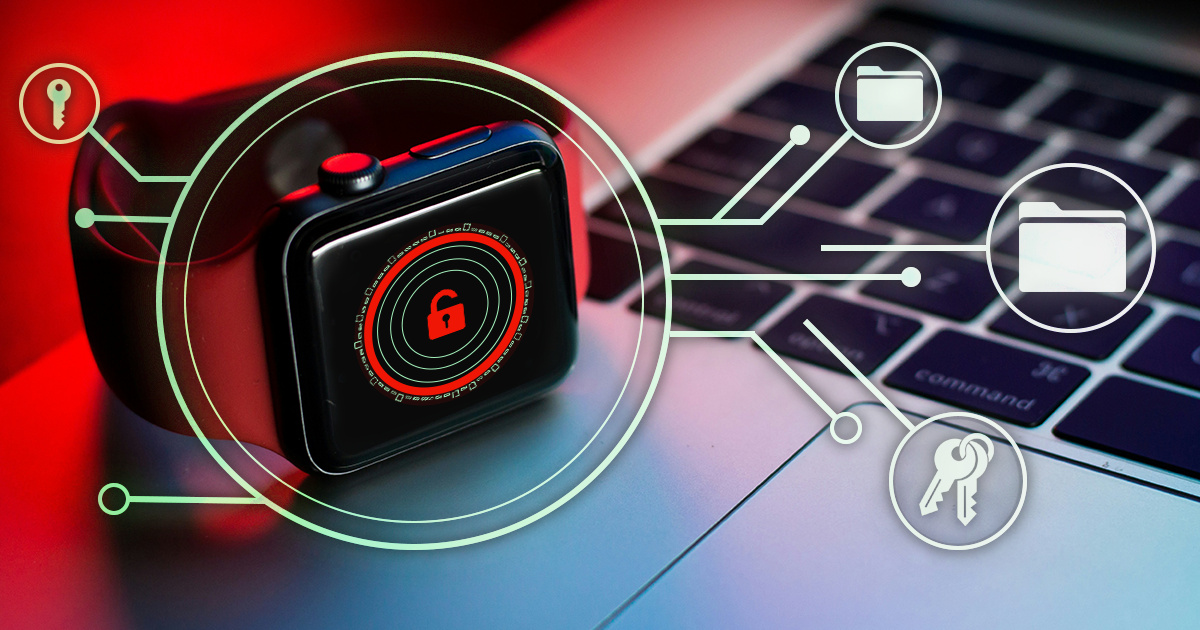

- iOS Forensic Toolkit 10.11: bootloader extraction for Apple Watch Series 4 and 5, Apple TV 4K 2nd Gen21 September, 2026
- Elcomsoft Quick Triage 2.2 adds a timeline, a plugin system, and file system snapshots3 September, 2026
- Elcomsoft System Recovery 8.38: Built-In BitLocker TPM Exploit Library, Browser Artefact Extraction, and Imaging Checksums26 August, 2026
- EIFT Firewall: a new free tool for controlled agent sideloading3 August, 2026
- Elcomsoft Phone Breaker 11.04: more reliable downloads from iCloud Drive30 July, 2026